30 Camera Angle Prompts: One Photo, 30 Viral Perspectives
The viral "camera codes" trend. Copy-paste Gemini and ChatGPT prompts for forced perspective, fisheye, motion blur, reflections, drone, CCTV and more, from one photo.
By the aiprompts.page team · Updated · 7 min read
Summarize with ChatGPT · Perplexity
Quick answer
- 30 copy-paste prompts for Gemini, Nano Banana, ChatGPT, grouped into 4 sections.
- Short on time? Start with #1 /forcedperspective.
- Replace the [BRACKETS] with your own details, then paste the prompt into the AI tool.
- Questions? Jump to the FAQ.
On this page
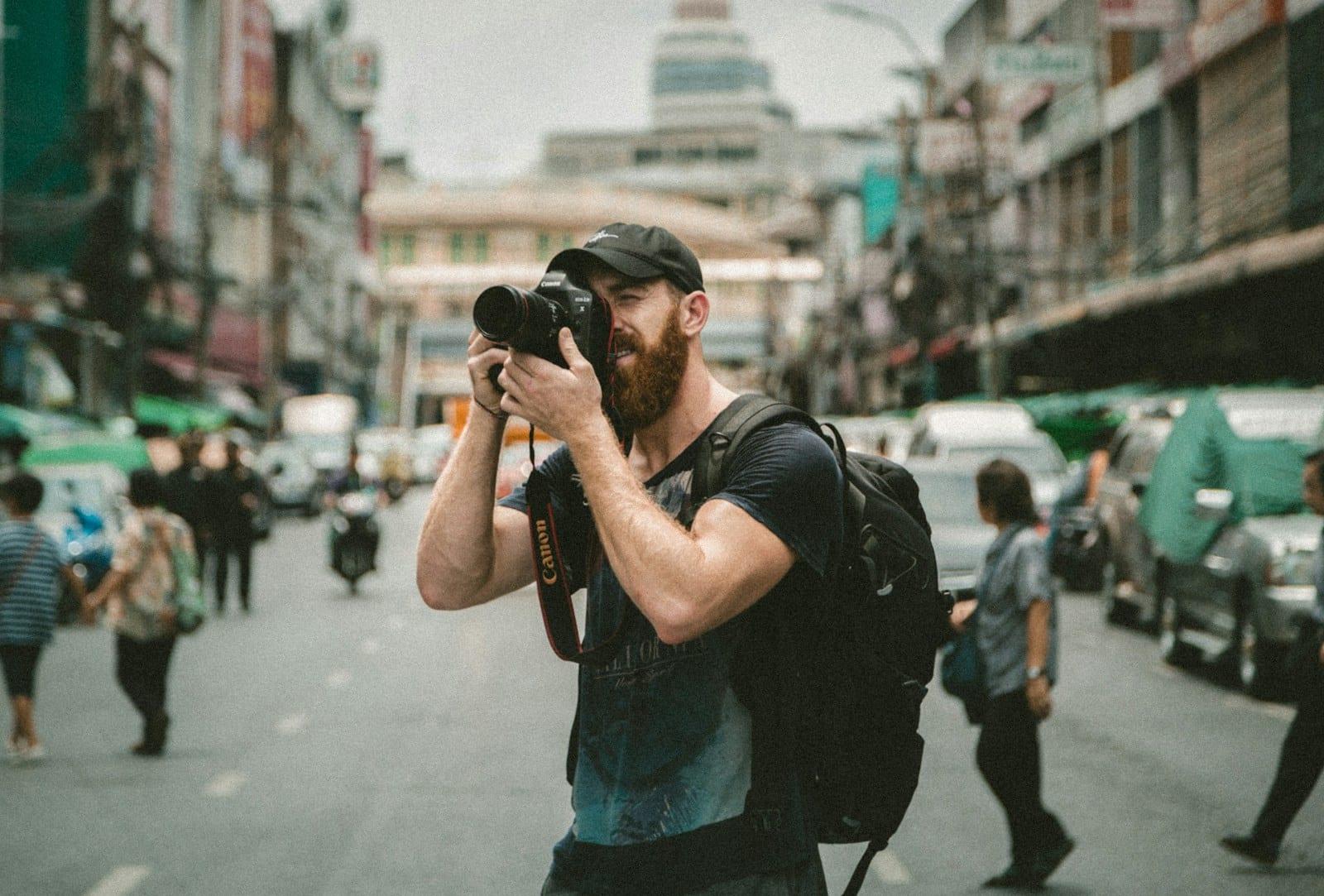
One photo can look completely different just by changing where the "camera" is. That's the idea behind one of the most-saved AI trends on Instagram right now: a 3×3 grid of the *same* person shot from nine angles, each labelled with a short code like /forcedperspective, /fisheye or /motionblur.
Here are 30 camera prompts you can run on a single photo. Each keeps your face, outfit and setting, and changes only the camera: angle, lens, motion or framing. Post your favourite 9 as a grid and you've made the trend.
The trick: change one camera thing per prompt (angle, lens, motion or framing) and keep everything else the same. That's what makes a grid of 9 look like one real photoshoot.
Anatomy of a camera angle prompt
Professional photographers get variety from the same subject by moving the camera, not by changing the person. These prompts do the same:
- Lock the person and outfit: "Keep my face, hair, outfit and setting exactly the same."
- One camera change: a low angle, a fisheye lens, motion blur, shooting through an object.
- What that change does: "so my hand looks huge in the foreground", "so the background streaks".
- The format: 4:5 for a feed post, or square for a 3×3 grid.
A worked example. Upload a full-length photo of yourself in a simple outfit and run "/forcedperspective" (#1). If your hand doesn't look big enough, reply: "Bring my hand much closer to the camera, very wide-angle lens." If your outfit changed, reply: "Keep my outfit exactly as in the photo." Then run 8 more codes on the *same original photo*, not on the edited one, so each result stays consistent. Put the best 9 in a grid with the code written on each.
Perspective tricks
#1/forcedperspective
Best for The most-saved shot in the trend.
Keep my face, hair, outfit and setting from the uploaded photo exactly the same. Recreate the photo with forced perspective: I'm reaching one hand toward the camera so it looks huge in the foreground, shot with a very wide-angle lens close to my hand, my face sharp behind it. Realistic, natural light, 4:5.
Ask for "fingers slightly blurred, face in focus" for the classic depth effect.
#2/fisheye
Best for Fun, energetic posts and street-style edits.
Keep my face, outfit and setting from the uploaded photo the same. Reshoot it with a fisheye lens from very close, my face slightly stretched toward the camera, curved edges, playful expression, bright and fun, realistic.
Pair it with a playful pose; fisheye exaggerates expressions.
#3/lowangle
Best for Powerful, confident posts.
Keep my face, outfit and setting the same as the uploaded photo. Reshoot from a very low angle near the ground looking up at me, the sky or ceiling behind me, making me look tall and powerful. Realistic lighting.
Add "clouds behind me" for a heroic outdoor version.
#4/highangle
Best for Soft, cute and aesthetic posts.
Keep my face, outfit and setting from the uploaded photo exactly the same. Reshoot from above, camera looking down at me as I look up at it, soft and candid, realistic natural light.
Ask for "looking up with a slight smile" for the classic cute high-angle shot.
#5/birdseye
Best for Creative flat-lay style portraits.
Keep my face and outfit from the uploaded photo the same. Reshoot directly from above, a bird's-eye view of me lying on [SURFACE, e.g. a bed of flowers / a patterned rug], arms spread, symmetrical composition, realistic.
Choose a colourful surface; it becomes the whole background.
#6/wormseye
Best for Dramatic city and architecture shots.
Keep my face and outfit the same as the uploaded photo. Reshoot from ground level looking straight up, me standing between tall buildings or trees that converge toward the sky, dramatic perspective, realistic.
Works best outdoors; mention buildings or trees around you.
#7/dutchtilt
Best for Edgy, cinematic posts.
Keep my face, outfit and setting from the uploaded photo exactly the same. Reshoot with a strong Dutch tilt: the camera rotated about 25 degrees, dramatic and cinematic, slight film grain, realistic lighting.
Pair it with moody lighting for a thriller-movie feel.
#8/overtheshoulder
Best for Storytelling posts and couple edits.
Keep my face and outfit from the uploaded photo the same. Reshoot as an over-the-shoulder shot from behind another person's blurred shoulder in the foreground, me in focus looking toward the camera, cinematic and candid.
For couples, upload both photos so the shoulder belongs to your partner.
Motion and action
#9/motionblur
Best for Energetic, dynamic posts.
Keep my face sharp and my outfit and setting the same as the uploaded photo. Add strong motion blur to the background as if the camera moved quickly while I stayed still, streaks of light behind me, dynamic and cinematic.
Ask for "face perfectly sharp" so only the background moves.
#10/freezeaction
Best for Jumping, dancing and action poses.
Keep my face and outfit from the uploaded photo exactly the same. Show me frozen mid-jump with my hair and clothes floating in the air, fast shutter speed, crisp details, realistic, same setting.
Ask for "hair flying upward" for a strong frozen moment.
#11/panning
Best for Street-style and walking shots.
Keep my face and outfit the same as the uploaded photo. Reshoot as a panning shot: I'm walking and the camera follows me, so I'm sharp while the background streaks horizontally, realistic street photography.
Ask for "city street at dusk" for colourful light streaks.
#12/spin
Best for Dresses, sarees and twirling outfits.
Keep my face and outfit from the uploaded photo exactly the same. Show me mid-spin with my outfit flaring out in a circle, slight motion blur on the fabric, face sharp and smiling, realistic.
Flowing outfits like lehengas and dresses work best.
#13/hairflip
Best for Glam and beauty posts.
Keep my face and outfit the same as the uploaded photo. Capture me mid hair-flip, hair swinging in an arc frozen in motion, backlight making the strands glow, realistic.
Ask for "backlight" to make the hair glow.
#14/longexposure
Best for Night shots with light trails.
Keep my face sharp and my outfit the same as the uploaded photo. Long-exposure night photo: I stand still while car light trails and blurred crowds stream around me, realistic, cinematic.
Mention a busy road or crossing so the light trails make sense.
Depth and framing
#15/throughobject
Best for Artsy, dreamy portraits.
Keep my face, outfit and setting from the uploaded photo the same. Reshoot through a foreground object, like [OBJECT, e.g. flowers / a glass / a doorway], softly blurred at the edges of the frame, me sharp in the middle, dreamy depth.
Flowers and leaves give the softest, prettiest frames.
#16/reflection
Best for Creative, mysterious posts.
Keep my face and outfit the same as the uploaded photo. Show me reflected in [a puddle / a mirror / a shop window], the reflection sharp and the real scene slightly blurred, realistic and artistic.
A puddle at night with city lights gives the most dramatic reflection.
#17/depthshot
Best for Professional-looking portraits.
Keep my face, outfit and setting from the uploaded photo exactly the same. Reshoot with a 85mm portrait lens at f/1.4: very shallow depth of field, background turned into creamy bokeh, me sharply in focus.
Ask for "fairy lights in the background" for beautiful bokeh circles.
#18/leadinglines
Best for Travel and architecture shots.
Keep my face and outfit the same as the uploaded photo. Reshoot so that lines in the scene (a road, railings, a corridor or train tracks) lead the eye straight to me in the frame, symmetrical, realistic.
A long corridor or railway platform gives the strongest lines.
#19/framewithinframe
Best for Clean, artsy compositions.
Keep my face and outfit from the uploaded photo the same. Reshoot with me framed inside a doorway, window or arch in the scene, the frame darker around me so I stand out, realistic.
Indian palace arches and jharokhas make stunning frames.
#20/spiral
Best for Unusual, scroll-stopping compositions.
Keep my face and outfit the same as the uploaded photo. Reshoot from the top of a spiral staircase looking down at me standing at the bottom, the stairs curling around me, dramatic perspective, realistic.
Ask for "looking up at the camera" so your face shows.
#21/silhouette
Best for Sunset posts and moody aesthetics.
Keep my pose and outline from the uploaded photo the same. Reshoot against a bright sunset so I'm a dark silhouette with a glowing rim of light around my hair and shoulders, realistic.
Keep your pose clear and simple so the silhouette reads well.
#22/closeup
Best for Detail shots for a carousel.
Keep my face from the uploaded photo exactly the same. Reshoot as an extreme close-up of my eyes and face with a macro lens, natural skin texture, catchlights in the eyes, realistic.
Ask for "natural skin texture" so it doesn't look airbrushed.
Lens and camera styles
#23/cctv
Best for Funny posts and the "caught on camera" look.
Keep my face and outfit the same as the uploaded photo. Make it look like CCTV footage from a high corner camera, slight fisheye, grainy black and white, timestamp in the corner, realistic.
Add a funny pose, like waving at the camera, for a laugh.
#24/drone
Best for Travel and outdoor shots.
Keep my face and outfit from the uploaded photo the same. Reshoot from a drone high above, me small in the middle of a beautiful landscape (a beach, field or rooftop), looking up and waving, realistic aerial photography.
Say where you are so the landscape matches your trip.
#25/35mmfilm
Best for Nostalgic, analog-looking posts.
Keep my face, outfit and setting the same as the uploaded photo. Reshoot as if on 35mm film: natural grain, slightly muted warm colours, soft highlights, a hint of light leak on one edge.
Ask for "subtle grain" so details stay clear.
#26/telephoto
Best for Candid, paparazzi-style shots.
Keep my face and outfit the same as the uploaded photo. Reshoot from far away with a long telephoto lens: compressed background, me sharp and candid as if photographed by paparazzi across a street, realistic.
Ask for "people blurred in the foreground" for a true candid feel.
#27/gopro
Best for Adventure and travel posts.
Keep my face and outfit from the uploaded photo the same. Reshoot as a wide action-camera selfie held at arm's length, slight fisheye, bright daylight, adventurous setting like a mountain trail or a boat.
Pick a setting that matches your real hobby.
#28/mirrorselfie
Best for Outfit-of-the-day posts.
Keep my face and outfit the same as the uploaded photo. Reshoot as a mirror selfie in a stylish room, phone covering part of my face, full outfit visible in the mirror, realistic lighting and reflection.
Ask for "full-length mirror" so the whole outfit shows.
#29/photobooth
Best for Fun, multi-expression posts.
Keep my face and outfit from the uploaded photo the same. Create a vertical photo-booth strip with four frames: smiling, laughing, surprised and winking, harsh flash, slight grain, white border.
List the four expressions you want for more control.
#30/thermal
Best for Sci-fi and edgy posts.
Keep my pose and outline from the uploaded photo the same. Render the photo as a thermal camera image: glowing yellow, orange and purple heat colours, dark cool background, with a small temperature scale in the corner.
This one is about the outline and pose; a strong pose works best.
Frequently asked questions
What are camera codes in AI photo editing?
They're short names like /fisheye or /forcedperspective that creators use for a prompt describing a camera angle or lens. They aren't built-in commands in Gemini or ChatGPT. Each one is just a full prompt, like the ones on this page.
How do I make the 3×3 camera-angle grid?
Run 9 different prompts on the same original photo, save the results, and arrange them in a 3×3 grid with a collage app. Label each square with its code.
Why do my results look like different people?
Start every prompt from your original photo, not from an edited result, and keep the line "Keep my face, hair, outfit and setting exactly the same" at the start.
More trends: 25 GTA 6 AI photo prompts and 40 ChatGPT photo editing prompts.