40 ChatGPT Photo Editing Prompts That Are Trending Right Now
The ChatGPT image editing prompts behind today's viral trends. Fix lighting, swap backgrounds, restyle photos, restore old pictures and create aesthetic edits.
By the aiprompts.page team · Updated · 8 min read
Summarize with ChatGPT · Perplexity
Quick answer
- 40 copy-paste prompts for ChatGPT, Gemini, grouped into 7 sections.
- Short on time? Start with #1 Fix a dark photo.
- Replace the [BRACKETS] with your own details, then paste the prompt into the AI tool.
- Questions? Jump to the FAQ.
On this page
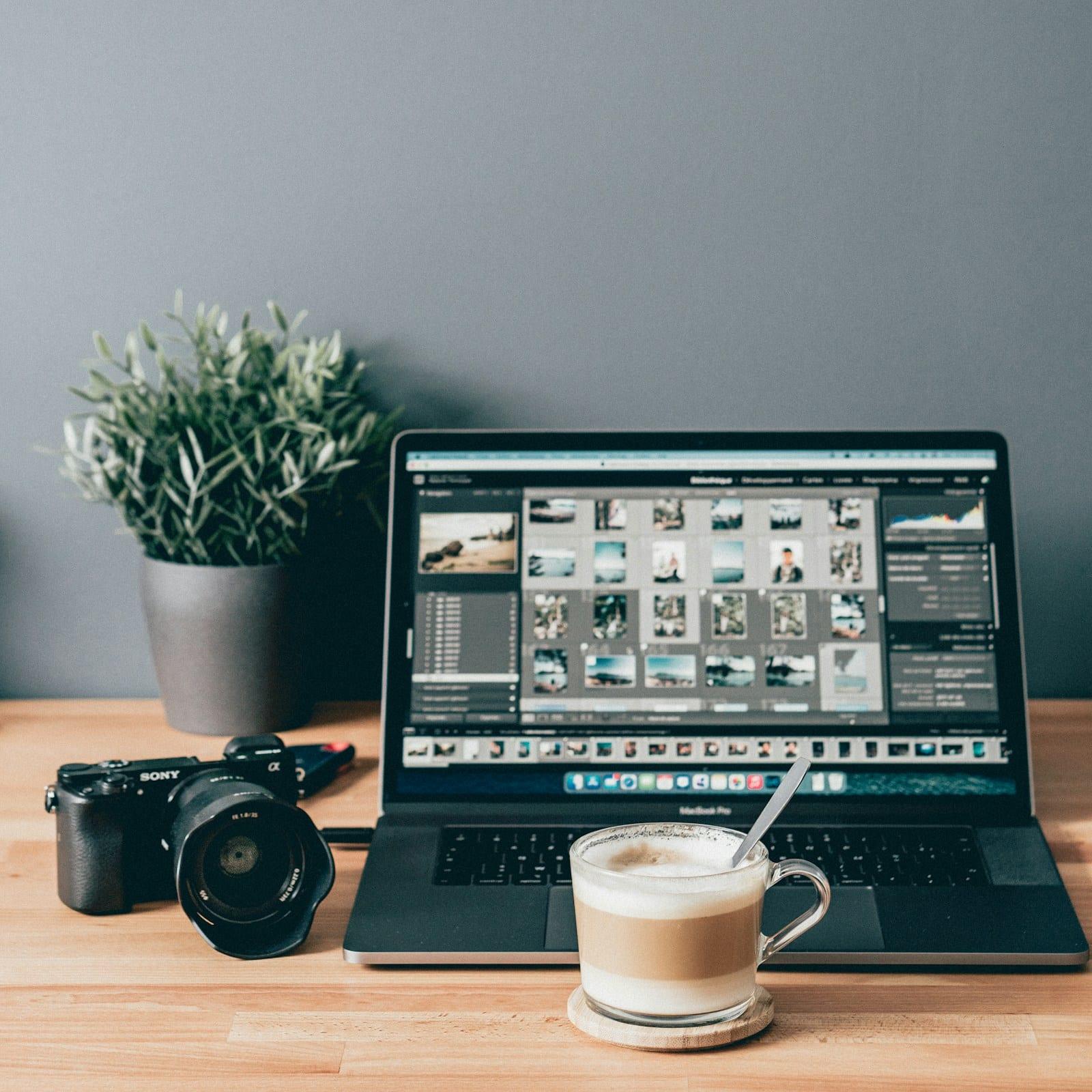
ChatGPT can now edit photos as well as describe them. Upload a picture, say what you want changed, and it returns a new version. People use it for everything from fixing a dark photo to turning a selfie into a magazine cover.
These 40 prompts are grouped by what you're trying to do. They're written for ChatGPT but work in Gemini too.
How to edit a photo in ChatGPT
- Click the + or paperclip icon and upload your photo.
- Paste a prompt and fill in the [BRACKETS].
- For small fixes, keep the conversation going ("now make the sky a bit warmer") instead of starting a new chat.
ChatGPT redraws the whole image when it edits. Always say what must stay the same: face, pose, clothes or composition.
Anatomy of a ChatGPT photo edit that doesn't go wrong
ChatGPT doesn't edit pixels like a photo app; it redraws the whole image. That's why edits sometimes change things you didn't ask for. Good edit prompts have three parts:
- The change: "Brighten the photo", "remove the person on the left", "turn it into a watercolor".
- What must stay: "Don't change faces, pose or background."
- The quality bar: "keep it realistic, not over-processed".
A worked example. Upload a dim indoor photo and use "Fix a dark photo" (#1). If the result is too bright, reply: "Good, but keep the shadows a bit deeper." If a face changed, reply: "Keep everyone's face exactly as in the original; only fix the lighting." If you want it for Instagram, reply: "Same image, cropped to 4:5."
Make one change per message, and download the version you like before asking for more. Each new edit starts from the latest image, not your original.
Quick fixes and enhancements
#1Fix a dark photo
Best for Indoor photos, night photos and underexposed selfies.
Brighten this photo naturally. Lift the shadows, keep the highlights from blowing out, and correct the white balance so skin tones look natural. Don't change faces, pose or background. Keep it realistic, not over-processed.
If it looks washed out, reply: "Keep the shadows a bit deeper, less brightening."
#2Remove a person from the background
Best for Travel photos with tourists in the background.
Remove the [PERSON / OBJECT] in the background on the [LEFT / RIGHT] side of this photo and fill the space naturally so it matches the surroundings. Keep everything else exactly the same.
Say which side and describe the person ("man in a blue shirt on the left") for precise removal.
#3Sharpen a blurry photo
Best for Slightly out-of-focus photos you can't retake.
Make this slightly blurry photo look sharp and clear. Recover detail in the eyes, hair and clothing, reduce noise, and keep the person's face and expression identical. Natural result, no painted look.
Works best on mild blur; badly blurred photos may change the face. Check closely.
#4Fix closed eyes
Best for Group photos where one person blinked.
In this photo, the person on the [POSITION] has their eyes closed. Open their eyes naturally to match their face and the lighting, keeping everything else in the photo unchanged.
Upload another photo of the same person with eyes open as a reference if you have one.
#5Clean up a messy room
Best for Room photos for rentals, selling furniture or video calls.
Tidy up the room in this photo: remove clutter from the floor, bed and table, fold the blankets and straighten the cushions. Keep the furniture, lighting, people and camera angle exactly the same.
Say what must not move: "keep the furniture positions exactly the same".
#6Turn day into sunset
Best for Travel photos taken in harsh midday light.
Change the lighting in this photo from daytime to golden hour sunset. Warm orange light from the side, a soft pink and orange sky, longer shadows. Keep the people and objects exactly the same and make the light on them match.
Ask for "long soft shadows" so the light change looks believable.
#7Professional color grade
Best for Making a set of photos look consistent.
Color grade this photo like a professional film still: soft teal shadows, warm skin tones, slightly lifted blacks and gentle contrast. Don't change any content, only the color and tone.
Use the exact same prompt on every photo in a set for a uniform feed.
#8Extend the frame
Best for Turning landscape photos into Stories or Reels covers.
Extend this photo to a vertical 9:16 format by adding more of the scene above and below. Continue the background naturally so it looks like the original photo was taken wider. Keep the subject unchanged.
Ask it to "keep the subject in the same position" so nothing shifts.
Background swaps
#9Clean studio background
Best for Product listings, profile pictures and resumes.
Replace the background of this photo with a clean light grey studio backdrop. Keep the person, their clothes and hair edges exactly the same, and add a soft natural shadow so it looks like a real studio shot.
Ask for "a soft natural shadow" or the cut-out will look pasted.
#10Luxury hotel lobby
Best for Fun "luxury life" posts and profile pictures.
Keep me exactly as I am in this photo and change the background to a luxury hotel lobby with marble floors and warm chandeliers. Match the lighting on me to the scene and add realistic reflections on the floor.
Match the time of day: a warm evening lobby looks more real than daylight.
#11Cafe background for a profile photo
Best for LinkedIn, dating apps and casual profile photos.
Swap the background of this photo for a cozy, softly blurred cafe with warm lights. Keep my face, hair and clothes unchanged. The result should look like it was shot on a portrait lens with natural bokeh.
Ask for "natural bokeh like a portrait lens" for a believable blur.
#12Swap to a beach at sunset
Best for Travel posts and wallpaper-style edits.
Keep the person in this photo exactly the same and place them on a quiet beach at sunset. Match the warm backlight on their hair and shoulders and add a realistic shadow on the sand.
Add "warm backlight on the hair and shoulders" so the light matches the sunset.
#13Bookshelf video-call background
Best for Work-from-home video calls and Zoom profile pictures.
Replace the background with a tidy home office: wooden bookshelf, a plant and a warm lamp, softly blurred. Keep me unchanged, make it look like a natural webcam or laptop photo.
Keep it tidy and neutral; busy backgrounds distract on calls.
#14City rooftop at night
Best for Night-life posts and moody profile pictures.
Keep the person in this photo exactly the same and move them to a city rooftop at night with skyscraper lights softly blurred behind them. Add a cool blue ambient light and a warm rim light so they blend into the scene naturally.
Ask for a "warm rim light" on you so you don't blend into the dark background.
Style transformations
#153D animated movie character
Best for Profile pictures and gifts for kids.
Turn the person in this photo into a 3D animated movie character with big expressive eyes, soft rounded features and detailed hair, keeping their hairstyle, clothes and expression recognisable. Bright cinematic lighting, family-film look.
Name your distinctive features (glasses, beard, curly hair) so the character looks like you.
#16Watercolor painting
Best for Gifts, wall art and soft aesthetic posts.
Transform this photo into a soft watercolor painting on textured paper. Loose brush strokes, gentle color bleeds and white paper showing through in places. Keep the composition and the person recognisable.
Ask for "white paper showing through" to make it look hand-painted.
#17Pencil sketch
Best for Gifts, tattoo ideas and art posts.
Redraw this photo as a detailed graphite pencil sketch on white paper, with realistic shading, cross-hatching in the shadows and a few loose construction lines. Keep the face accurate.
Ask for "loose construction lines" so it looks drawn by hand, not filtered.
#18Oil painting portrait
Best for Gifts for parents and classic portraits.
Turn this photo into a classical oil painting portrait with rich colors, visible brush strokes and dramatic Rembrandt-style lighting. Keep the person's face, expression and pose recognisable.
Ask for "dramatic side light" for the classic old-master look.
#19Anime style
Best for Anime fans and creative profile pictures.
Redraw this photo as a high-quality anime illustration with clean line art, cel shading and vibrant colors. Keep the person's hairstyle, outfit and pose. Detailed anime background matching the original setting.
Ask to "keep the same background but in anime style" for a consistent scene.
#20Pop art poster
Best for Bold posters and colourful profile pictures.
Turn this photo into a bold pop art poster: thick black outlines, flat bright colors, halftone dots and a comic-style background. Keep the face recognisable.
Pick one or two bright colours for a cleaner pop-art result.
#21Line art for printing
Best for Colouring pages for kids and printable art.
Convert this photo into clean black line art on a white background, like a coloring book page. Simple, smooth outlines with no shading, keep the main shapes and the face recognisable.
Ask for "thick, smooth outlines" so it prints and colours well.
Viral and aesthetic edits
#22Aesthetic Pinterest edit
Best for Instagram feeds with a soft, beige aesthetic.
Edit this photo with a soft Pinterest aesthetic: warm beige tones, slight fade, gentle film grain and a dreamy glow. Keep everything in the photo the same, only change the mood and color.
Use the same prompt on every photo to keep your grid consistent.
#23Photo dump collage
Best for Monthly photo dumps and trip recaps.
Use the [NUMBER] photos I uploaded to make a single Instagram photo-dump collage with a scrapbook feel: slightly rotated prints, tape corners, small doodles and a handwritten caption "[CAPTION]". Keep every photo recognisable.
Upload 4–9 photos at once and say how many you want in the collage.
#24Turn a selfie into a magazine cover
Best for Birthdays, achievements and fun reveals.
Turn this selfie into a fashion magazine cover. Keep my face exactly the same. Add a bold masthead "[NAME]", cover lines "[LINE 1]" and "[LINE 2]", and professional studio lighting with a clean background.
Write your own cover lines; real details make it fun to share.
#25Ghost in the mirror
Best for Artistic, mysterious posts.
Edit this photo so there's a faint, soft reflection of [WHAT / WHO] in the mirror behind me, as if it's a memory. Keep me unchanged, dreamy and slightly mysterious mood.
Keep the reflection faint; strong reflections look like a mistake.
#26Make it look shot on film
Best for Making phone photos look analog.
Make this photo look like it was shot on 35mm film: natural grain, slightly muted colors, soft highlights and a tiny bit of light leak on one edge. Don't change any content.
Ask for "subtle" grain; heavy grain hides details.
#27Moody dark academia
Best for Book lovers and moody academic aesthetics.
Restyle this photo with a dark academia aesthetic: warm brown and green tones, soft candlelight, old books and an antique library feel in the background. Keep the person and pose unchanged.
Add old books, a candle and a desk lamp for a stronger mood.
#28Cinematic subtitles
Best for Making a photo look like a movie frame.
Make this photo look like a frame from a movie: widescreen 2.39:1 crop with black bars, cinematic color grade, and a subtitle at the bottom that says "[SUBTITLE TEXT]" in white.
Keep the subtitle short and in quotes; one line reads best.
Restoring and colorizing old photos
#29Restore a damaged old photo
Best for Repairing old family photos.
Restore this old damaged photo. Remove scratches, tears, stains and dust, fix faded areas and sharpen details. Keep every face exactly as it is, don't change expressions or add details that aren't there.
Ask it not to "add details that weren't there" so faces stay authentic.
#30Colorize a black and white photo
Best for Bringing old black and white photos to life.
Colorize this black and white photo with realistic, era-appropriate colors. Natural skin tones, believable clothing colors and a subtle vintage feel. Keep all faces and details unchanged.
Mention the era ("1960s India") for more believable colours.
#31Fix a faded print
Best for Faded, yellowed prints from albums.
This printed photo has faded and turned yellow. Correct the colors so they look like the day it was printed, restore contrast and keep the original grain and faces unchanged.
Scan or photograph the print flat in good light before editing.
#32Old family portrait upgrade
Best for Framing old portraits for family gifts.
Restore and gently upscale this old family portrait into a clean, high-resolution photo. Remove damage, balance the exposure and keep every person's face exactly the same. Subtle, respectful result.
Restore first, then upscale; doing both at once can change faces.
Fun and creative edits
#33Add me to a famous painting style
Best for Art lovers and creative portraits.
Place me from this photo into a scene painted in the style of a 19th-century impressionist painting, sitting at an outdoor cafe with soft dabs of light. Keep my face recognisable.
Name a style or era ("impressionist") rather than a specific living artist.
#34Me as a stamp
Best for Fun gifts and creative profile pictures.
Turn this photo into a vintage postage stamp with a perforated edge, engraved illustration style, a value of "[NUMBER]" in the corner and the text "[COUNTRY OR NAME]". Keep the face recognisable.
Choose a meaningful value or text, like your birth year.
#35Turn my pet into a person
Best for Pet parents and funny posts.
Imagine the pet in this photo as a human. Keep their personality, fur colors (as hair and clothing colors) and expression. Realistic portrait photo, fun and charming.
Mention your pet's personality ("lazy", "dramatic") for a funnier result.
#36Age me 30 years
Best for Fun "future me" posts and curiosity.
Show how the person in this photo might look 30 years older: natural grey hair, realistic wrinkles and skin texture, same face structure and expression. Keep the clothes and background the same.
Ask for "same face structure" so it's clearly still you.
#37Make it snow
Best for Winter posts and holiday cards.
Add realistic falling snow to this photo and a light layer of snow on the ground, trees and shoulders. Cool winter light, visible breath in the air. Keep the people unchanged.
Add "visible breath in the air" for extra realism.
#38Miniature tilt-shift
Best for City photos and travel posts.
Turn this photo of a city or street into a tilt-shift miniature effect: strong blur at the top and bottom, sharp middle band, boosted saturation, so the scene looks like a tiny toy model.
Works best on photos taken from above, like a balcony or rooftop.
#39Sticker of me
Best for WhatsApp stickers and fun profile pictures.
Turn the person in this photo into a cute die-cut sticker: cartoon style, thick white border around the outline, transparent-looking plain background. Keep their face, hairstyle and outfit recognisable.
Ask for a "plain background" so you can cut the sticker out easily.
#40Lego-style scene
Best for Kids, toy lovers and playful posts.
Recreate this whole photo as if it were built from plastic toy bricks, including the people as minifigures. Keep the layout, colors and poses the same. Bright, playful, macro photography look.
Use a photo with simple shapes; very busy scenes get messy in bricks.
When ChatGPT edits go wrong
- Face changes: start your prompt with "Keep the person's face exactly the same."
- Text is misspelled: keep it short and put it in quotes.
- It changed too much: say "Only change [X], leave everything else exactly as it is."
Frequently asked questions
Can ChatGPT edit my photos?
Yes. Upload a photo in ChatGPT and describe the change. It redraws the image, so always say what must stay the same, such as the face, pose or background.
Can ChatGPT restore old photos?
It can remove scratches, fix fading and colourise black and white photos. Ask it to keep every face exactly as it is and not add details that weren't there.
Why did ChatGPT change parts I didn't ask for?
It regenerates the whole image. Add "Only change [X], leave everything else exactly as it is" and make one change per message.
Looking for Gemini-specific prompts? See 50 viral Gemini Nano Banana prompts.