25 LEGO-Style, Toy and Camera Filter Prompts for Gemini and ChatGPT
Turn yourself into a brick-built minifigure, a toy in a dollhouse or a clay figure, plus trending camera-filter looks like disposable camera, CCTV and VHS.
By the aiprompts.page team · Updated · 6 min read
Summarize with ChatGPT · Perplexity
Quick answer
- 25 copy-paste prompts for Gemini, Nano Banana, ChatGPT, grouped into 4 sections.
- Short on time? Start with #1 Brick minifigure of me.
- Replace the [BRACKETS] with your own details, then paste the prompt into the AI tool.
- Questions? Jump to the FAQ.
On this page
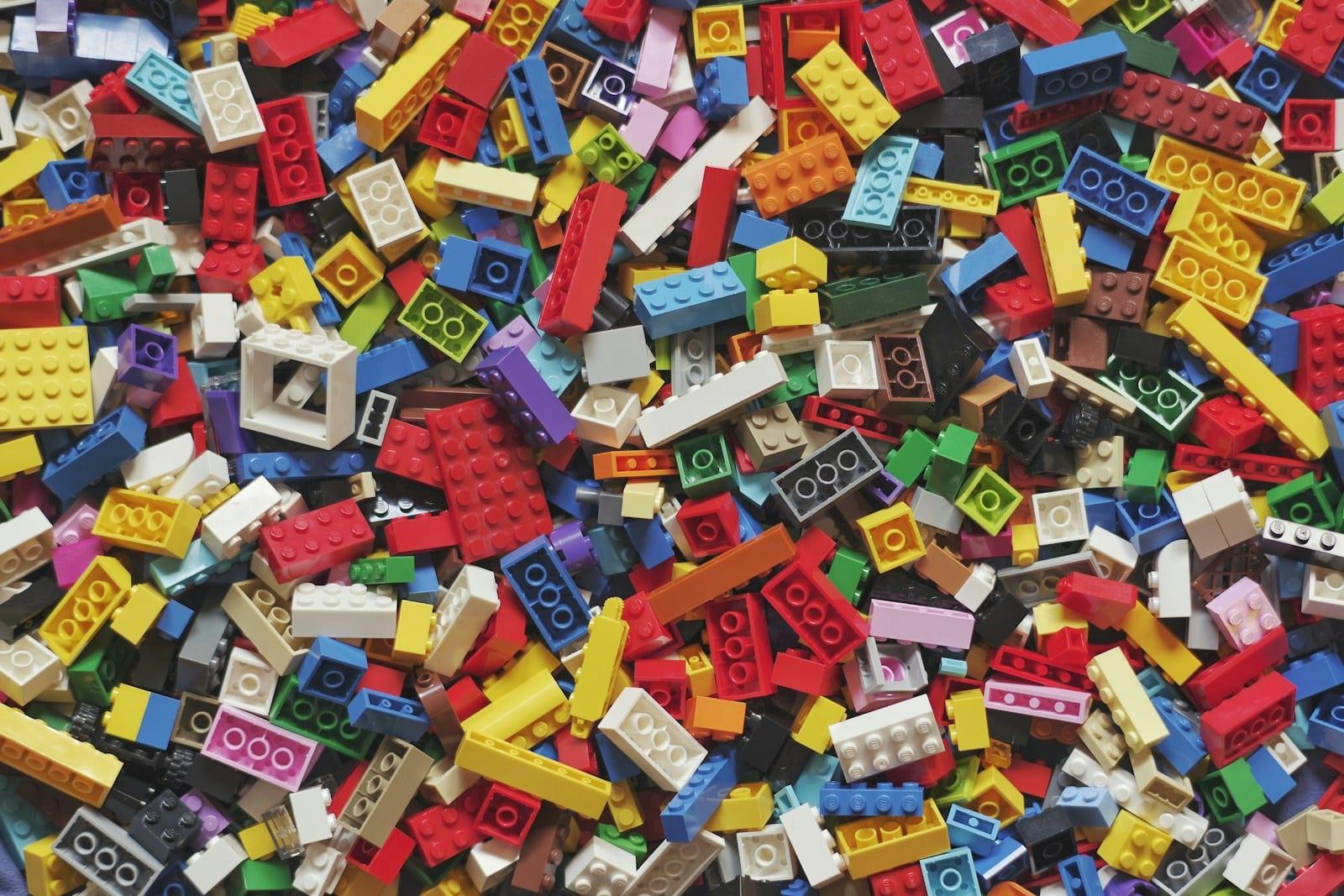
Two trends keep coming back on Instagram: turning yourself into a toy (a brick-built minifigure, a clay figure, a doll in a dollhouse) and "camera filter" edits that make a phone photo look like it came from a disposable camera, a CCTV feed or an old camcorder.
These 25 prompts cover both. The toy prompts describe the look of plastic building bricks and toys without using brand logos. The filter prompts change only the camera look, not your face.
Toy edits: name the material (glossy plastic bricks, matte clay, felt). Filter edits: name the camera (disposable flash, CCTV, VHS). That one word decides the whole result.
Anatomy of a toy or filter prompt
These prompts work differently from normal photo edits, because you're changing the whole medium:
- The likeness: "Keep my hairstyle, outfit colours and accessories recognisable."
- The medium: plastic building bricks, clay, felt, wood, or a specific camera.
- The scene: a brick-built city, a dollhouse, a toy box, or the camera's typical setting.
- The finish: "macro product photography, shallow depth of field" for toys; "grain, flash, timestamp" for filters.
A worked example. Upload a full-body photo and run "Brick minifigure of me" (#1). If it doesn't look like you, reply: "Keep my curly hair, round glasses and red jacket on the minifigure." If it looks like a drawing, reply: "Make it a real photo of a plastic toy, macro lens, shallow depth of field." For a carousel, run the same photo through a filter prompt like "/disposable" (#14) and post the toy and the filter version side by side.
Brick-toy versions
#1Brick minifigure of me
Best for The viral brick-toy trend and fun profile pictures.
Turn the person in my uploaded photo into a plastic building-brick style minifigure, keeping their hairstyle, hair colour, glasses, outfit colours and accessories. The minifigure stands on a small baseplate on a desk, macro product photography, shallow depth of field, glossy plastic, no brand logos.
Upload a full-body photo so the minifigure's outfit matches yours.
#2Brick-built city scene
Best for City lovers and creative carousels.
Turn me from the uploaded photo into a plastic brick minifigure standing in a brick-built version of [CITY / PLACE, e.g. a Mumbai street], with tiny brick buildings, cars and trees, macro photography, bright daylight, no brand logos.
Name a real place from your life; that's what friends share.
#3Minifigure in its box
Best for Gifts and "collector's edition" posts.
Turn the person in my uploaded photo into a plastic brick minifigure sealed in a collector's box with a clear window, the box titled "[NAME]" with small accessories beside the figure: [ACCESSORY 1], [ACCESSORY 2], [ACCESSORY 3]. Bright toy-shop lighting, no brand logos.
Pick accessories that show your job or hobby.
#4Brick-built portrait mosaic
Best for Wall art and creative gifts.
Recreate my uploaded portrait as a mosaic made entirely of small square plastic building bricks, viewed straight on, hanging framed on a wall, my face recognisable from a distance, realistic photo.
Ask for "limited colour palette" for a cleaner mosaic.
#5Brick-built family
Best for Family greetings and festive posts.
Turn the family in my uploaded photo into plastic brick minifigures standing together on a baseplate in front of a tiny brick-built house, keeping everyone's hairstyles and outfit colours, macro photography, warm light, no brand logos.
Use a group photo where every face and outfit is clearly visible.
#6Brick-built desk scene
Best for Office humour and work-from-home posts.
Turn me from the uploaded photo into a plastic brick minifigure sitting at a tiny brick-built desk with a laptop, coffee mug and plant, looking busy, macro product photography, soft office light, no brand logos.
Add a funny detail, like a pile of tiny paperwork.
#7Brick couple
Best for Couples and anniversaries.
Turn the couple in my uploaded photo into two plastic brick minifigures holding hands on a baseplate with a tiny brick bench and tree, keeping both hairstyles and outfit colours, macro photography, romantic soft light, no brand logos.
Add a small detail from your story, like a tiny café or your pet.
Other toy worlds
#8Clay figure
Best for Cute, handmade-looking avatars.
Turn the person in my uploaded photo into a claymation-style figure with soft clay textures and visible fingerprints, keeping their hairstyle and outfit colours, standing on a small clay base, warm studio light, plain background.
Ask for "stop-motion movie style" for a cinematic version.
#9Plush toy
Best for Gifts for kids and cosy aesthetics.
Turn the person in my uploaded photo into a soft plush toy with felt clothes, embroidered eyes and yarn hair matching their hairstyle, sitting on a bed among cushions, natural window light.
Mention your real hair colour so the yarn matches.
#10Dollhouse scene
Best for Cosy, miniature aesthetics.
Turn me from the uploaded photo into a small doll living in an open dollhouse room furnished like my real [ROOM], keeping my hairstyle and outfit colours, warm miniature lighting, realistic dollhouse photography.
Describe your real room's colours for a personal touch.
#11Wooden toy
Best for Minimal, Scandinavian-style aesthetics.
Turn the person in my uploaded photo into a hand-carved wooden toy figure with simple painted details matching their outfit colours and hairstyle, standing on a wooden shelf, soft natural light.
Ask for "visible wood grain" for authenticity.
#12Board-game piece
Best for Game nights and family posts.
Turn me from the uploaded photo into a painted board-game miniature standing on a colourful game board next to dice and cards, keeping my hairstyle and outfit colours, macro photography, warm light.
Add a funny label on the board, like "Go to bed".
#13Toy car driver
Best for Car lovers and kids' posts.
Turn the person in my uploaded photo into a tiny toy figure driving a die-cast toy car on a toy race track, keeping their hairstyle and outfit colours, macro photography, motion blur on the track.
Name your dream car colour.
Camera filters
#14/disposable
Best for Party throwbacks and candid aesthetics.
Keep my face from the uploaded photo exactly the same. Make it look like it was shot on a cheap disposable camera: harsh direct flash, slightly overexposed skin, warm faded colours, grain, a little red-eye-free glow, orange date stamp in the corner.
Works best on night or indoor party photos.
#15/cctv
Best for Funny posts and the "caught on camera" meme.
Keep my face and pose from the uploaded photo the same. Make it look like a CCTV still from a high corner camera: grainy black and white, slight fisheye, a timestamp and "CAM 03" in the corner.
Pose like you're sneaking or waving at the camera for laughs.
#16/nightvision
Best for Edgy and mysterious posts.
Keep my face and pose from the uploaded photo the same. Render it as a night-vision camera image: glowing green tint, heavy grain, bright eyes, dark background, a small battery and REC icon in the corner.
Pair with a dramatic pose for a spy-movie feel.
#17/vhs
Best for 90s nostalgia and music-video aesthetics.
Keep my face from the uploaded photo exactly the same. Make it look like a paused VHS frame: scan lines, colour bleed, slight blur, tracking lines at the bottom, "PLAY ▶" in the corner.
Add a 90s outfit for the full effect.
#18/digicam
Best for The Y2K digital-camera trend.
Keep my face from the uploaded photo exactly the same. Make it look like an early-2000s digital camera photo: harsh flash, cool blue tint, low-resolution noise, slightly blown highlights, orange date stamp.
Ask for "slightly blurry" for that authentic point-and-shoot look.
#19/polaroidfilter
Best for Memories and aesthetic feeds.
Keep my face from the uploaded photo exactly the same. Make it look like an instant Polaroid photo: soft faded colours, slight vignette, gentle flash, inside a white Polaroid frame with "[CAPTION]" handwritten at the bottom.
Keep the caption to 2–3 words.
#20/filmcamera
Best for Calm, analog-looking feeds.
Keep my face, outfit and setting from the uploaded photo the same. Make it look like it was shot on 35mm colour film: natural grain, warm muted tones, soft highlights, a hint of light leak on one edge.
Ask for "subtle grain" so faces stay sharp.
#21/webcam
Best for Funny, relatable posts.
Keep my face from the uploaded photo exactly the same. Make it look like an old laptop webcam selfie: low resolution, slightly washed-out colours, harsh screen light on my face, a cosy messy bedroom behind me.
Pair with a relatable caption about online classes or work calls.
#22/instantgrid
Best for Photo-dump posts.
Keep my face from the uploaded photo exactly the same. Create a 2×2 grid of the same photo shot with four different camera filters: disposable flash, black and white film, VHS and Polaroid, each labelled with a small tag.
Use this as the first slide of a filters carousel.
Mixed creative
#23Toy and real me side by side
Best for Reveal posts and Reels covers.
Using my uploaded photo, create a split image: on the left, the real me exactly as in the photo; on the right, a plastic brick minifigure version of me in the same pose and outfit colours. Clean background, realistic.
This makes a perfect first slide: real me → toy me.
#24Toy in my hand
Best for Playful, surreal posts.
Keep my face from the uploaded photo exactly the same. Show me holding a small toy figure version of myself in my palm, both looking at the camera, realistic photo, soft natural light.
Ask for "the toy wearing my exact outfit" so the joke lands.
#25Toy shop window
Best for Festive posts and "limited edition me" jokes.
Turn the person in my uploaded photo into a collectible toy displayed in a glowing toy-shop window at night, a small price tag reading "[FUNNY PRICE]" and a "Limited Edition" sign, keeping their hairstyle and outfit colours, snow outside, warm window light.
Write a funny price like "Priceless" or "Not for sale".
Frequently asked questions
How do I turn myself into a LEGO-style minifigure with AI?
Upload a full-body photo to Gemini or ChatGPT and use the "Brick minifigure of me" prompt. Mention your hairstyle, glasses and outfit colours so the figure looks like you. Leave out brand logos; describe "plastic building-brick style" instead.
What are camera filter prompts?
They're prompts that change only how a photo looks like it was taken (disposable camera, CCTV, VHS, film) without changing your face or pose. They're a quick way to give an ordinary photo a mood.
Why does my toy version look like a cartoon drawing?
Ask for "a real photo of a plastic toy, macro lens, shallow depth of field". That makes the AI render a physical toy instead of an illustration.
More: 25 3D figurine and action figure prompts and 25 viral editorial photo prompts.