ChatGPT
Productivity
ChatGPT Prompt To Fix Nested Excel Formulas
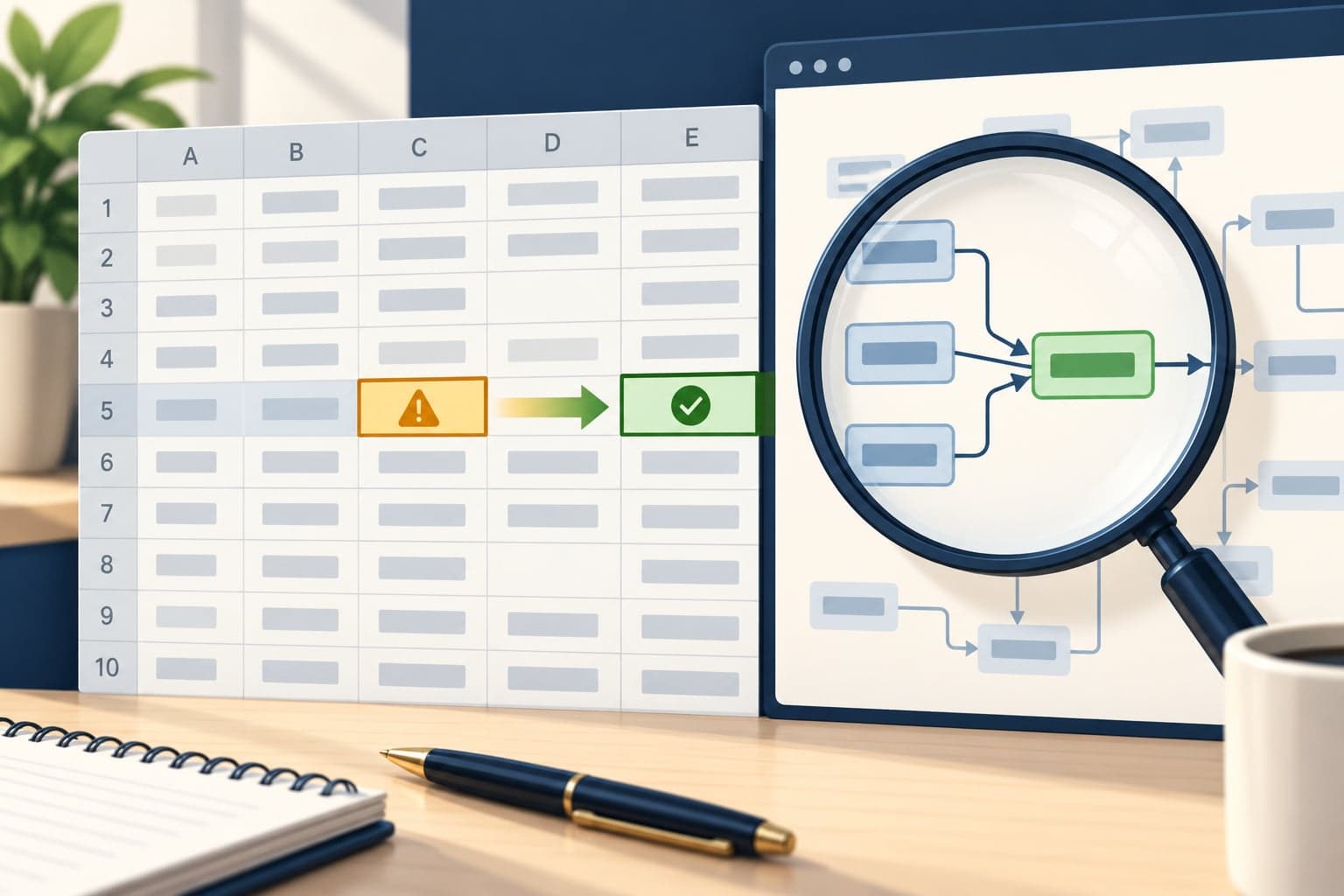
Diagnose a broken nested formula and get a correction using the actual cell references. Attach a workbook or formula screenshot, then paste this prompt.
Create meeting minutes, an action table and a follow-up email from a recording. Upload the audio in ChatGPT with audio uploads enabled, then paste this prompt.
Curated by the aiprompts.page team
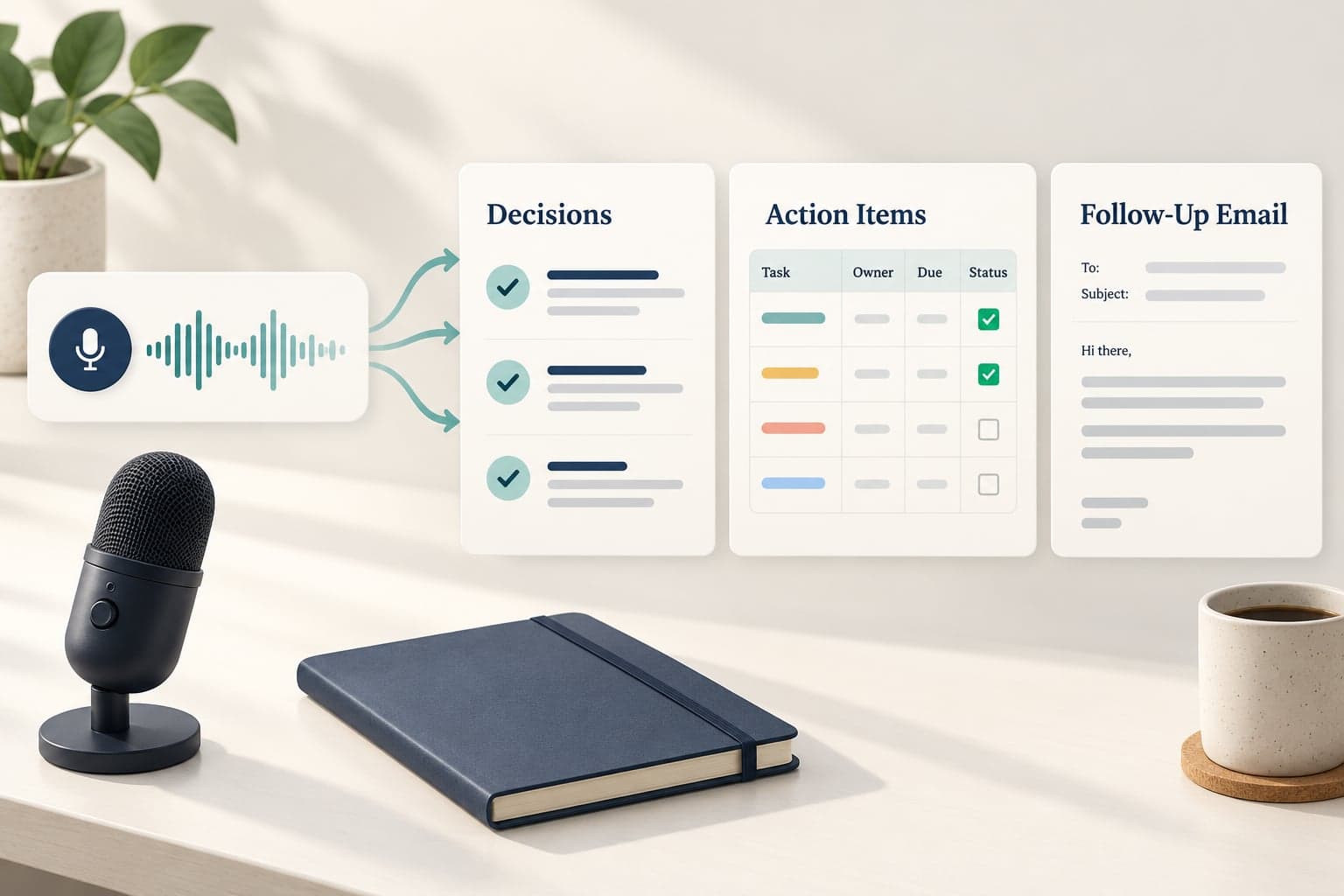
Listen to the uploaded meeting recording and turn it into concise, accurate meeting minutes plus a follow-up email draft. If the recording is missing or cannot be accessed, ask me for a playable recording or transcript before proceeding. Use only information supported by the recording. Distinguish decisions from proposals, opinions and unresolved discussion. Attribute a statement to a named person only when the recording clearly establishes that identity. Otherwise use consistent neutral speaker labels. Mark missing owners, dates and other details as Unknown. Mark unintelligible passages as Unclear and include a timestamp when available. Do not invent agreements, attendance, deadlines or reasons. Produce the following sections in this order: Meeting Overview: State the meeting topic, date if spoken, identified participants and a three-sentence summary. Decisions: List each confirmed decision with a short supporting explanation and a timestamp when available. If no decisions were confirmed, say so. Action Items: Create a table with Action, Owner, Deadline, Dependency and Evidence columns. Include only actual commitments or clearly assigned tasks. Use concise evidence summaries and timestamps when available. Preserve relative deadlines such as next Friday unless the recording establishes the meeting date clearly enough to resolve them. Flag conflicting deadlines instead of choosing one. Open Questions: List unresolved questions and proposals that still need approval. Keep them separate from agreed actions. Details To Verify: List unclear names, ambiguous commitments, conflicting statements and missing information that could affect follow-through. Follow-Up Email: Write a ready-to-send email with a specific subject line, the greeting Hello team, a brief recap, confirmed decisions, action items and unresolved questions. Include only supported information, use Unknown where a necessary detail is missing, and end with Thank you. Do not add a sender name or a signature placeholder. Draft the email without sending it.
More in Productivity
Diagnose a broken nested formula and get a correction using the actual cell references. Attach a workbook or formula screenshot, then paste this prompt.

Get a personal clothing palette with colour suggestions and clear uncertainty notes. Upload your photo, then paste this prompt.
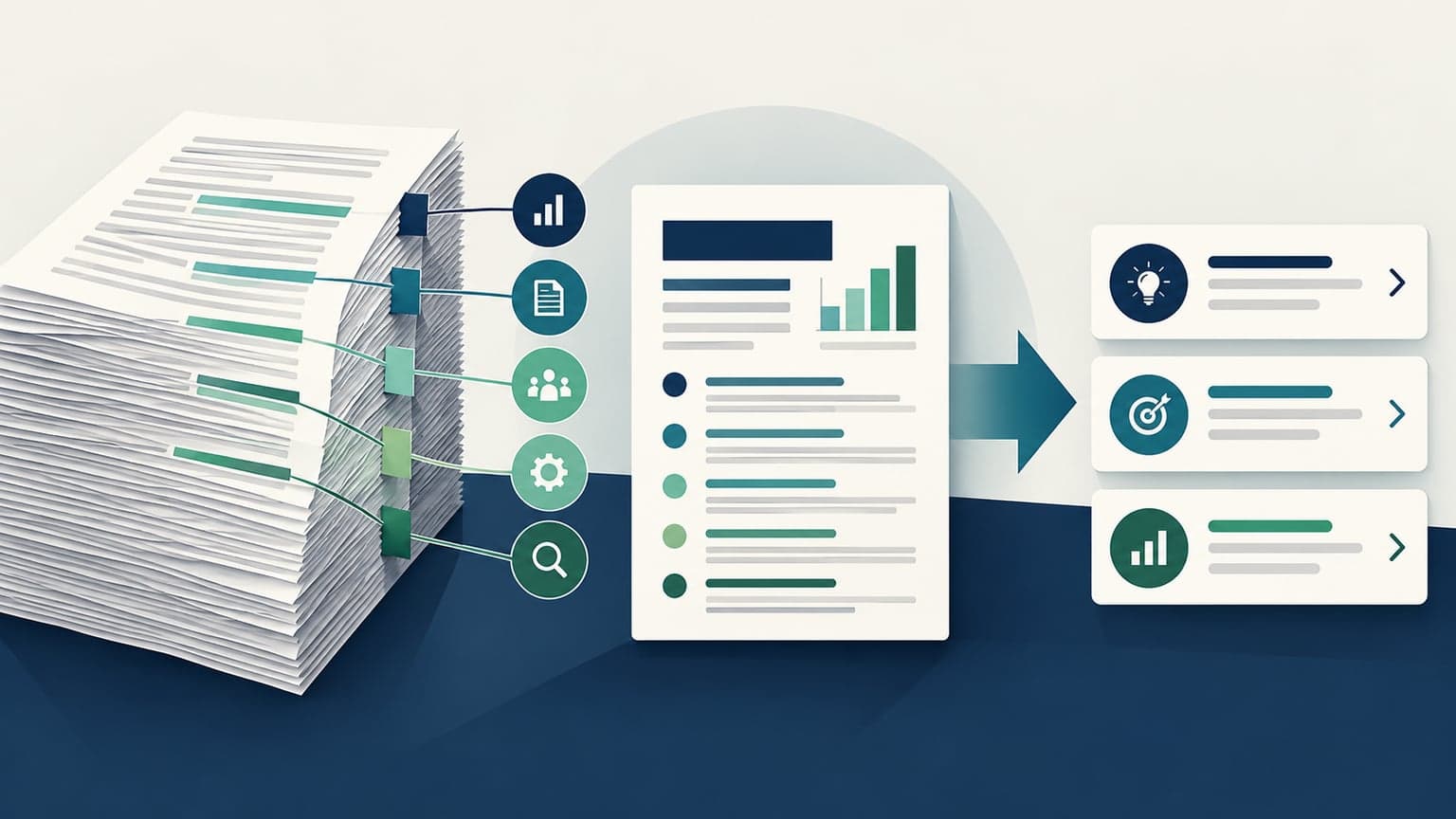
Extract the conclusion, evidence, decisions and uncertainties from a PDF with page references. Attach the PDF, then paste this prompt.
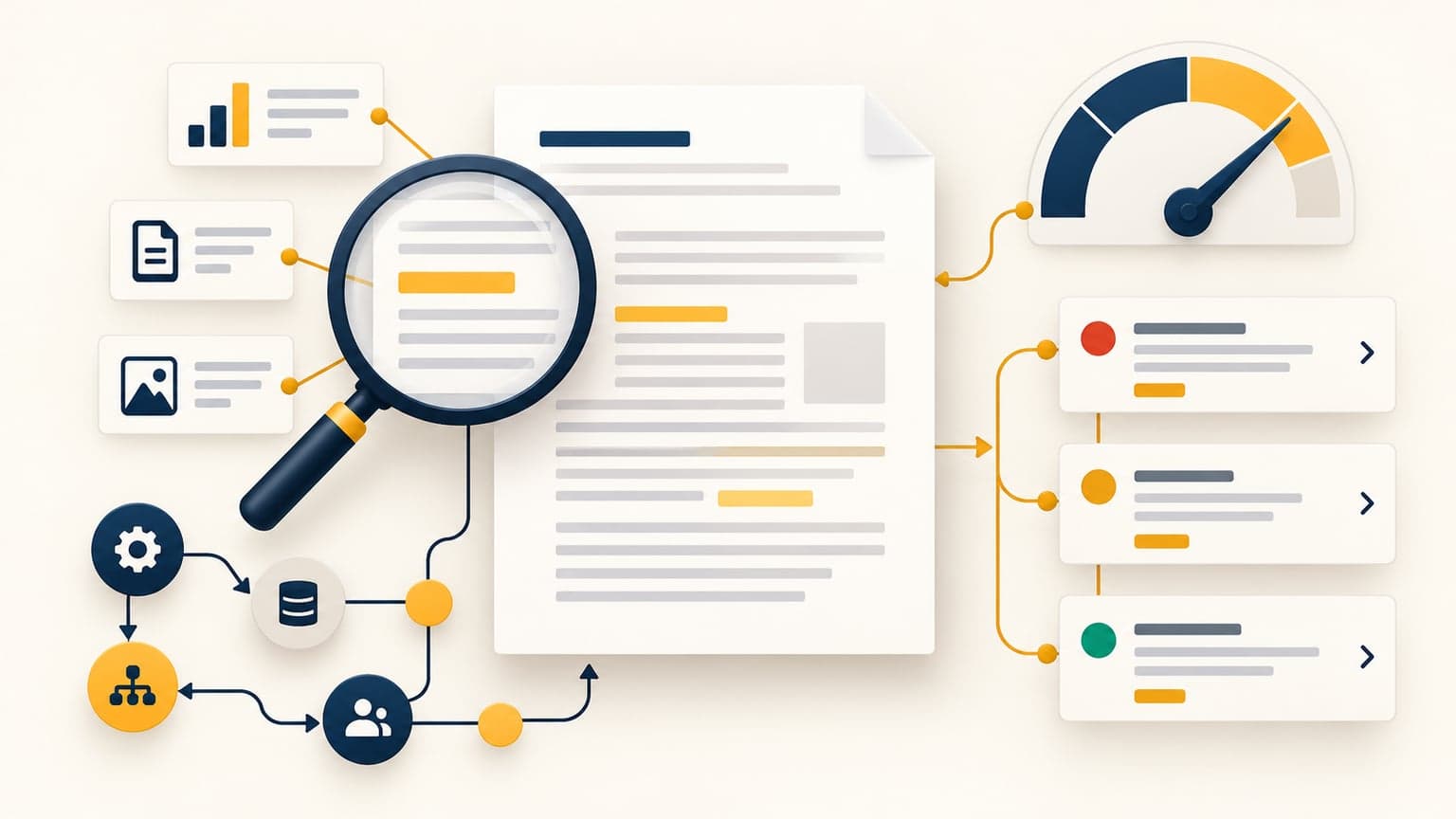
Find the assumptions, missing evidence and practical weaknesses that could derail a proposal. Attach the proposal, then paste this prompt.