20 Photo-to-Video Animation Prompts for Making Old Photos Move
Image-to-video prompts to bring old family photos, portraits and landscapes to life with gentle, natural motion in Veo, Kling, Runway and more.
By the aiprompts.page team · Updated · 4 min read
Summarize with ChatGPT · Perplexity
Quick answer
- 20 copy-paste prompts for Veo, Kling, Runway, grouped into 5 sections.
- Short on time? Start with #1 Gentle smile and blink.
- Replace the [BRACKETS] with your own details, then paste the prompt into the AI tool.
- Questions? Jump to the FAQ.
On this page
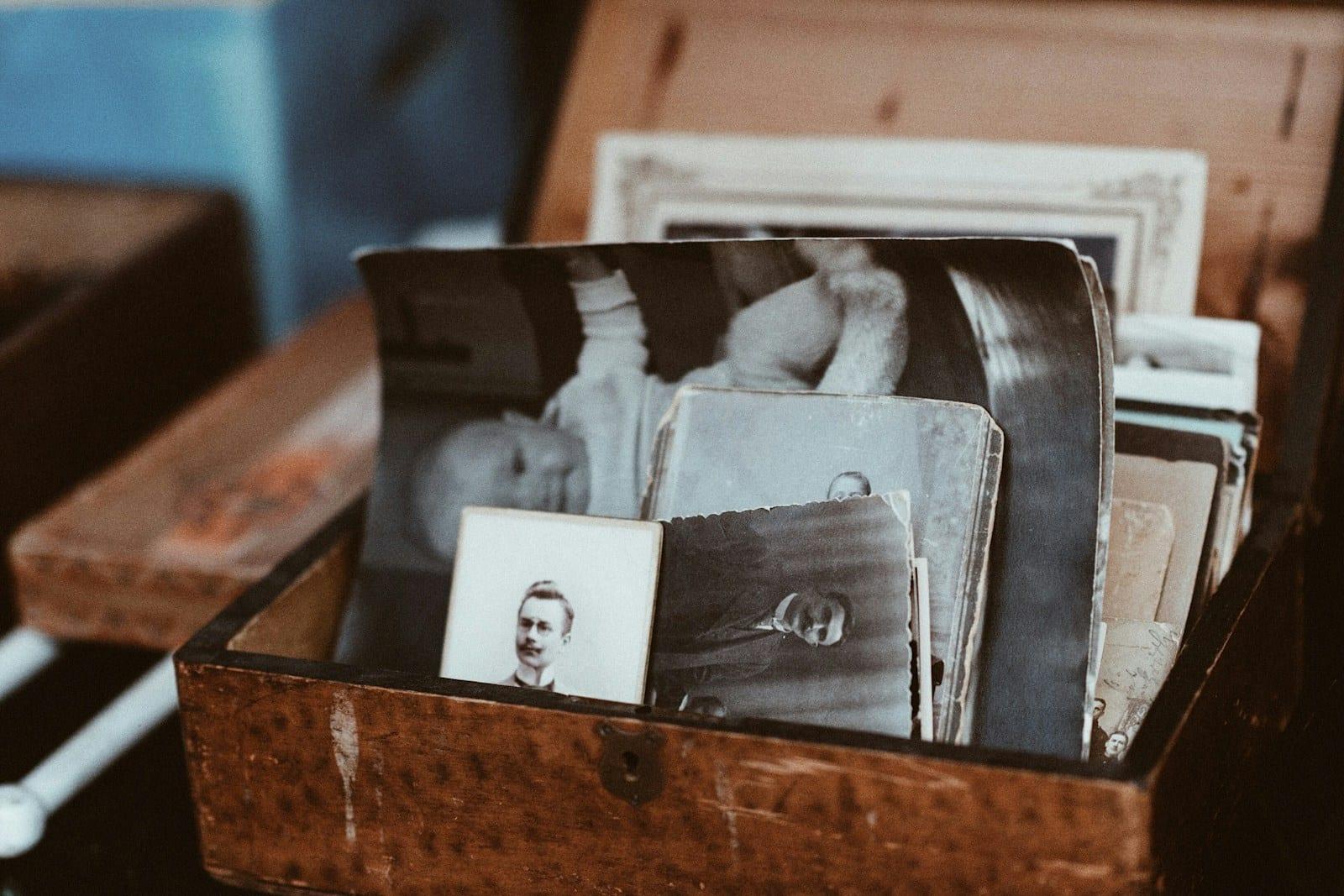
Seeing an old family photo blink, smile and move is one of the most emotional things AI can do. It's also one of the most shared AI videos on Instagram and WhatsApp.
Upload a photo to an image-to-video tool, then describe small, natural movements. The less you ask for, the more real it looks.
Restore the photo first (remove scratches, fix faces) with an image tool, then animate it. And be thoughtful: animating photos of people who've passed away can be moving for some family members and upsetting for others.
Anatomy of a photo-to-video prompt that looks natural
The more motion you ask for, the more likely faces are to warp. The best photo-to-video prompts are almost boring on paper:
- Small movements: blink, breathe, a gentle smile, hair in a breeze.
- A still camera: unless you specifically want a parallax effect.
- Keep everything else: "keep the face, clothes and background exactly the same".
- A short clip: 4–6 seconds.
A worked example. Restore an old photo first (scratches removed, faces clear), then run "Gentle smile and blink" (#1). If the face changes shape, reduce the motion: "only a slow blink, nothing else". If it looks like a video game, add "subtle, natural, realistic". Share these thoughtfully: animating photos of family members who have passed away can be moving for some relatives and upsetting for others.
Old family photos
#1Gentle smile and blink
Best for Bringing a single portrait to life.
Animate the uploaded photo with very subtle, natural motion: the person blinks slowly, breathes gently and their smile grows a little warmer. Keep the face, clothes and background exactly the same. Static camera, 5 seconds, no other movement.
Ask for "very subtle" movement; it looks more real.
#2Grandparents looking at each other
Best for Old couple photos and anniversary gifts.
Animate the couple in the uploaded old photo: they slowly turn their heads toward each other and smile softly. Keep their faces and the vintage photo texture unchanged. Static camera, gentle and natural.
Keep the camera still so the old photo stays intact.
#3Group photo coming alive
Best for Old family group photos.
Animate this old group photo with small natural movements: people blink, shift slightly and a few of them smile. Keep every face accurate. The camera stays still, and the film grain and sepia tone remain.
Restore the photo first for cleaner faces.
#4Wedding photo
Best for Old wedding photos and anniversary gifts.
Animate the uploaded vintage wedding photo: the bride's veil moves softly in a light breeze, the couple glance at each other and smile. Keep faces and the old photo look exactly the same.
Ask for "veil moves softly in a light breeze" for a gentle effect.
#5Child's photo
Best for Childhood photos and family memories.
Animate the child in the uploaded old photo: they giggle and tilt their head slightly, hair moving a little. Keep the face and the photo's colors unchanged, static camera.
Keep the original colours for an authentic old-photo feel.
Portraits
#6Wave hello
Best for Fun portrait animations.
Animate the person in the uploaded photo: they look at the camera, smile and give a small wave with one hand. Natural movement, keep their face and outfit unchanged, static background.
Ask for "natural movement" so the wave doesn't look robotic.
#7Hair in the wind
Best for Dreamy portrait animations.
Animate the uploaded portrait: a gentle breeze moves the person's hair and clothing, they close their eyes for a moment and open them again. Keep the face identical, slow and dreamy.
Ask for "slow and dreamy" for a calm effect.
#8Turn to the camera
Best for Side-profile photos and dramatic reveals.
Animate the uploaded side-profile photo: the person slowly turns their head toward the camera and makes eye contact with a soft smile. Keep their features exactly the same.
Keep the turn slow so the face stays stable.
#9Laughing moment
Best for Joyful portrait animations.
Animate the person in the uploaded photo breaking into a natural laugh, shoulders moving slightly, eyes crinkling. Keep their face recognisable, static camera, 5 seconds.
Ask for "eyes crinkling" for a natural laugh.
Landscapes and places
#10Clouds and water
Best for Landscape photos and calm loops.
Animate the uploaded landscape photo: clouds drift slowly across the sky, water ripples gently and the trees sway a little. Keep the composition unchanged, very slow camera push-in, calm and cinematic.
Ask for "very slow camera push-in" for a cinematic feel.
#11Old street scene
Best for Old street photos and history content.
Animate the uploaded old street photo: people walk slowly, a cart or car moves through the frame, smoke rises from a chimney. Keep the vintage black and white look, static camera.
Keep it black and white for authenticity.
#12Village in the rain
Best for Village photos and monsoon content.
Animate the uploaded village photo with light rain starting to fall, ripples in puddles, leaves moving and a soft mist forming. Keep everything else unchanged.
Ask for "ripples in puddles" for realism.
#13Night sky movement
Best for Night photos and starry-sky content.
Animate the uploaded night photo: stars twinkle, a slow meteor crosses the sky and a faint aurora shimmers on the horizon. Keep the landscape unchanged, static camera.
Ask for "slow meteor" for a magical moment.
#14Festival lights
Best for Festival photos and Diwali content.
Animate the uploaded festival photo: diyas and fairy lights flicker softly, smoke from incense drifts, fabric decorations move in a breeze. Keep people and the scene unchanged.
Ask for "diyas flickering softly" for warmth.
Pets and objects
#15Pet tilting its head
Best for Pet photos and cute content.
Animate the pet in the uploaded photo: it tilts its head curiously, ears twitch and its tail wags a little. Keep its fur pattern and the background exactly the same.
Ask for "ears twitch" for a lifelike touch.
#16Steam from food
Best for Food photos and restaurant content.
Animate the uploaded food photo: steam rises gently from the dish, a little sauce drips, and light shifts subtly. Keep the food and plate unchanged, appetising loop.
Ask for "steam rising gently" for an appetising loop.
#17Flowers blooming
Best for Flower photos and spring content.
Animate the uploaded photo of flowers: buds slowly open into full bloom and petals move slightly in a breeze, soft light, static camera.
Ask for "buds slowly opening" for a satisfying bloom.
Artwork and creative
#18Painting comes alive
Best for Art lovers and painting animations.
Animate the uploaded painting: brush-stroke clouds drift, water shimmers and the figure in the painting slowly turns their head. Keep the painted texture and style exactly the same.
Ask to "keep the painted texture exactly the same".
#19Polaroid to real moment
Best for Polaroid photos and memory reveals.
Start on the uploaded photo as a still Polaroid; the camera slowly pushes in and the photo comes to life as the moment inside it starts moving naturally. Keep faces unchanged.
Ask for "camera slowly pushes in" for the transition.
#20Parallax 3D effect
Best for Any photo that needs a 3D depth effect.
Create a slow 3D parallax effect from the uploaded photo: the foreground subject separates from the background and the camera gently moves sideways, giving depth. No other movement, keep everything unchanged.
Ask for "no other movement" so only the parallax happens.
Tips for natural results
- Ask for less motion. "Subtle", "gentle" and "slow" give the most believable results.
- Keep the camera still unless you want a parallax effect. Moving cameras warp old photos.
- Short clips (4–6 seconds) hold faces better than long ones.
Frequently asked questions
Can AI make old photos move?
Yes. Image-to-video tools add natural motion like blinking, smiling or hair moving. Restore the photo first for the best result.
Why does the animated face look strange?
Too much motion. Ask for subtle, gentle, slow movement, keep the camera still and keep the clip to 4–6 seconds.
Is it okay to animate photos of relatives who passed away?
It can be moving for some family members and upsetting for others. Ask the family first and share thoughtfully.
Restore the photo first with the restoration prompts in 40 ChatGPT photo editing prompts.