
Claude
Coding & Development
Claude Security Review Prompt
Get an evidence-based defensive review with prioritized findings, minimal fixes and regression tests. Paste this prompt, then your code.
Make Meteor Dodge, a playable browser game with keyboard and touch controls, three lives, increasing difficulty, pause and restart.
Curated by the aiprompts.page team
Create Meteor Dodge as one complete, self-contained index.html. Return only HTML with inline CSS and JavaScript. It must work when opened directly in a browser, without dependencies, assets, a server, API keys or a build step. Build an arcade game using a canvas with a logical playfield of 960 by 540. Draw everything procedurally: a small cyan spacecraft, orange meteors, a navy starfield and restrained particle effects. Surround it with an attractive dark interface using #081321, cyan #56e4ef, orange #ff9257 and white. Include the title, concise instructions, score, three visible life indicators, best score and Start, Pause and Restart controls. Keep essential status in readable HTML outside the canvas. The player moves horizontally near the bottom. Support Arrow Left, Arrow Right, A and D. On touch screens provide large press-and-hold left/right buttons and dragging within the canvas. Use pointer capture and release held controls on pointer cancellation, blur and pause. Restrict touch-action suppression to the game surface and movement buttons. Meteors fall from random horizontal positions. Start with a 900 ms spawn interval and gradually reduce it to a minimum of 350 ms. Increase falling speed gradually with a sensible cap. Award one point for each meteor that exits without a collision. A collision removes one life, removes that meteor and grants 900 ms of visible invulnerability. At zero lives show Game Over with final score and a working restart button. Use requestAnimationFrame with delta time, cap large frame gaps and keep only one animation loop active. Pause must freeze movement, spawning, invulnerability timers and score. Automatically pause when the page becomes hidden and require explicit resume. Restart must clear old meteors, timers, particles, score and held input. Use a clear state model for ready, playing, paused and game over. Scale the canvas responsively and account for device pixel ratio while keeping collision calculations in logical coordinates. Save the best score locally when storage is available and continue normally when it is not. Under prefers-reduced-motion, remove screen shake and decorative moving stars while retaining the core game. Provide visible keyboard focus, accessible controls and a polite announcement for game over. Finish the implementation; do not leave TODOs or inert controls.
More in Coding & Development
Get an evidence-based defensive review with prioritized findings, minimal fixes and regression tests. Paste this prompt, then your code.
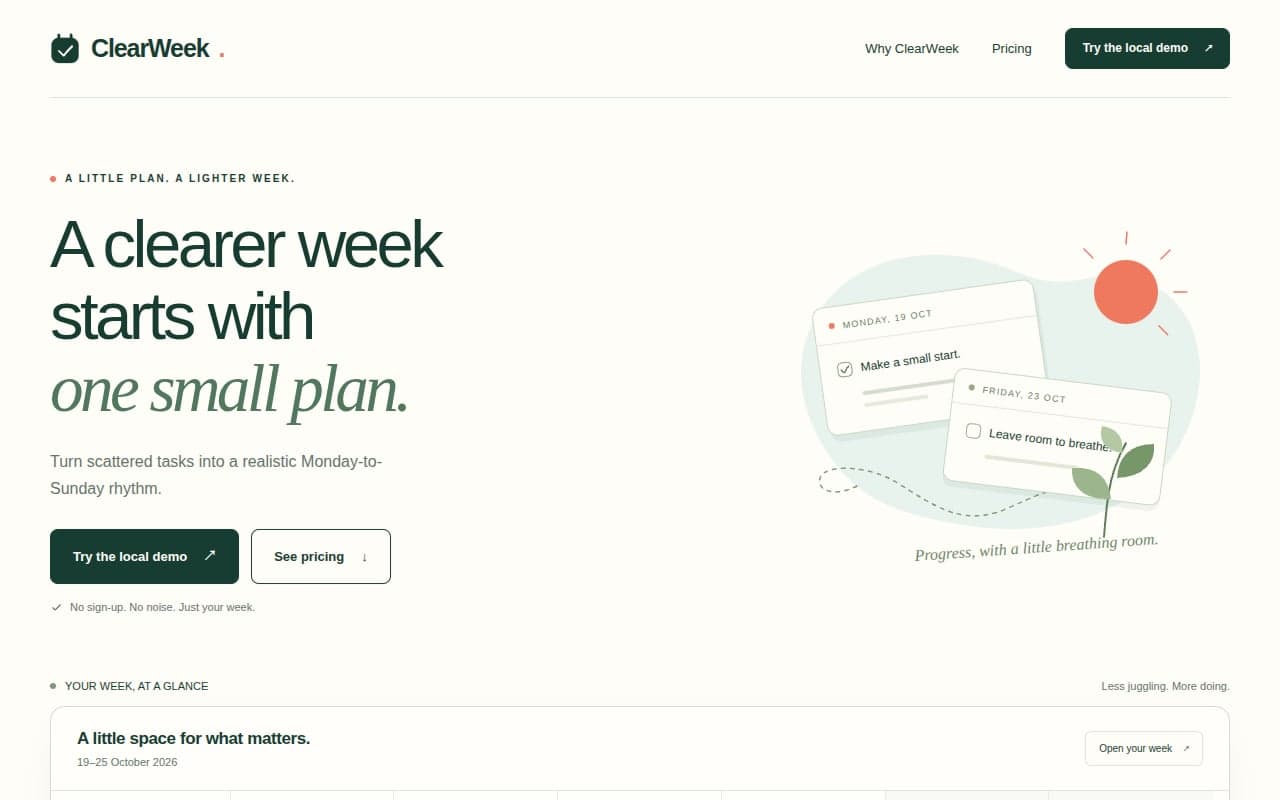
Generate a ClearWeek planner landing page with pricing controls and a usable weekly planner that saves tasks locally. Paste into ChatGPT.

Create fictional developer Mira Sen’s animated portfolio with three detailed projects, accessible case-study dialogs and working theme controls.
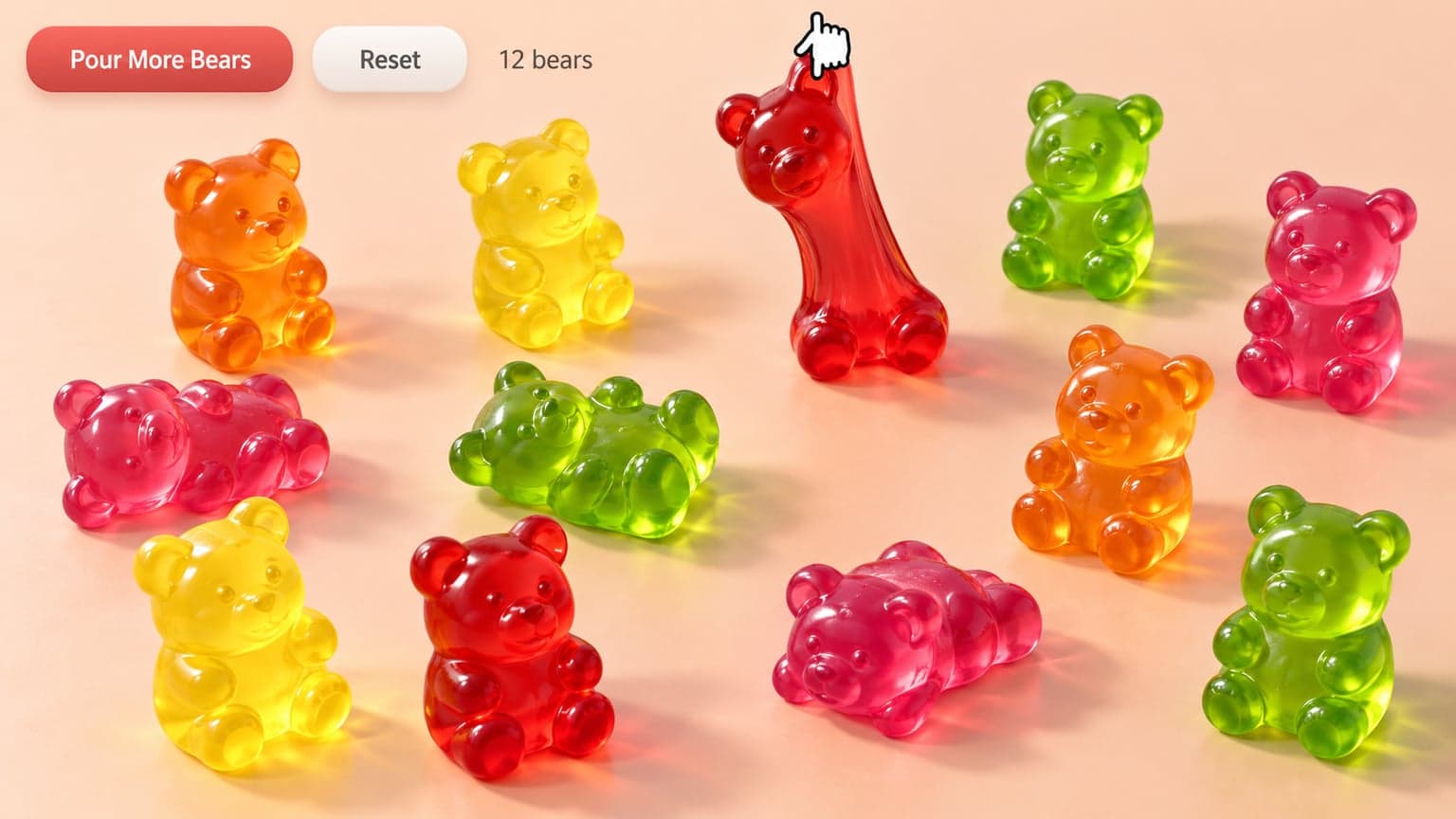
Build a browser playground with draggable, stretchable gummy bears, candy colors and working reset and pour controls. Paste this prompt into Gemini.