
Gemini
Image Generation
Gemini Birthday Three Pose Poster Prompt
Make a birthday poster with three consistent portraits and fixed Happy Birthday lettering. Upload your photo, then paste this prompt.
Generate a text-free professional profile banner with navy, ivory and teal architectural shapes. Paste this prompt into Gemini.
Curated by the aiprompts.page team
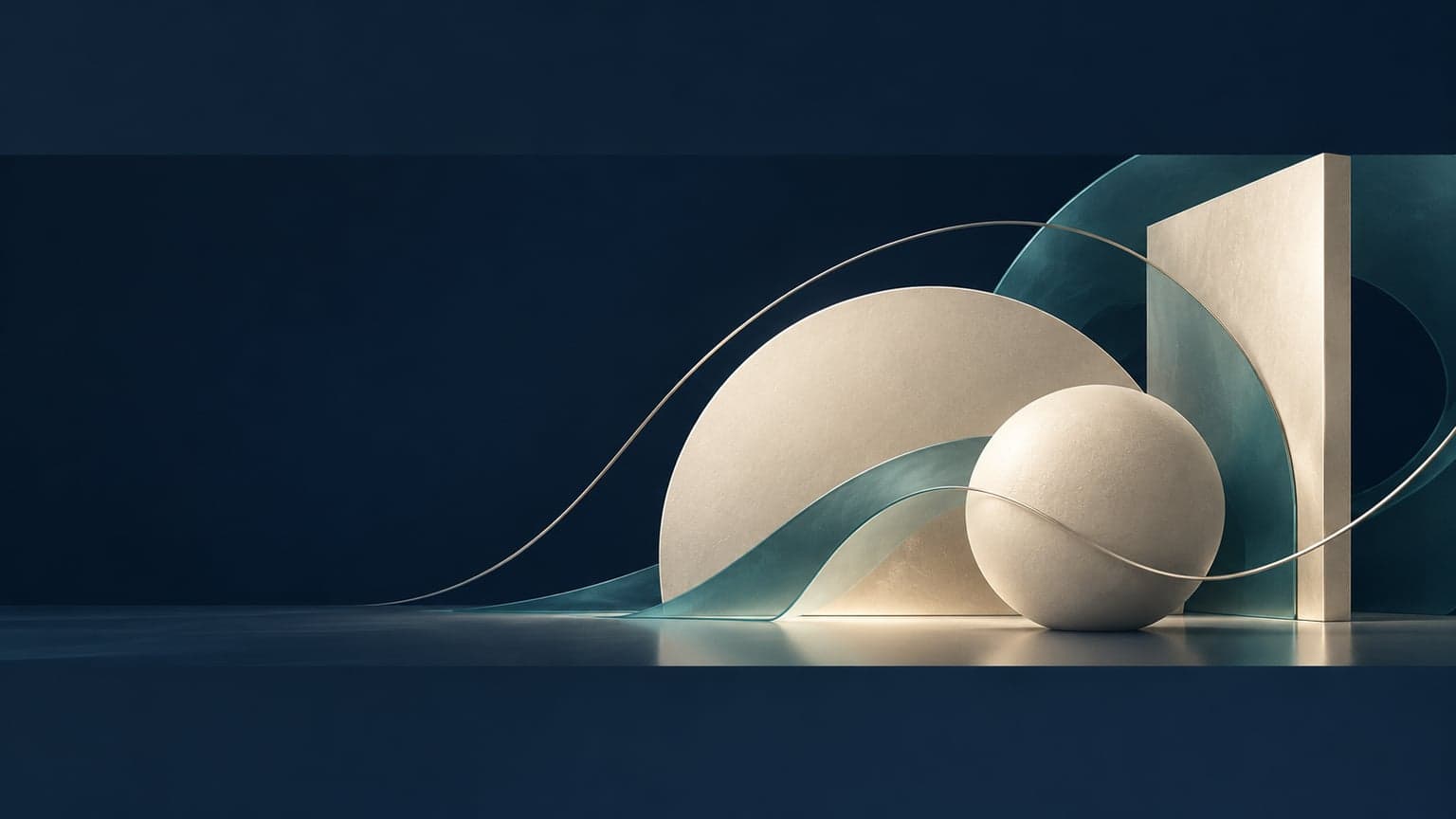
Create a finished professional LinkedIn profile cover image on a wide 1584 by 396 pixel canvas. Use a sophisticated abstract architectural composition with an ink navy background, warm ivory planes, muted teal glass-like curves and a few fine brushed-silver lines. Keep the leftmost third visually quiet, especially the lower-left area, so an overlapping profile photo remains clear. Concentrate the visual interest in the right two-thirds: three sculptural forms arranged like an elegant contemporary workspace, with subtle depth, soft directional light and controlled shadows. Let one thin teal line travel gently across the composition to suggest connection and progress. The result should feel calm, capable and polished across many professions. Use clean geometry, restrained contrast and generous negative space. Keep all important shapes well inside the edges so the composition survives mobile cropping. Include no people, lettering, numbers, company marks, icons, logos or watermarks. Output one finished banner.
More in Image Generation
Make a birthday poster with three consistent portraits and fixed Happy Birthday lettering. Upload your photo, then paste this prompt.

Blend a winding coastal road and ocean into an artistic portrait while keeping the face clear. Upload your photo, then paste this prompt.
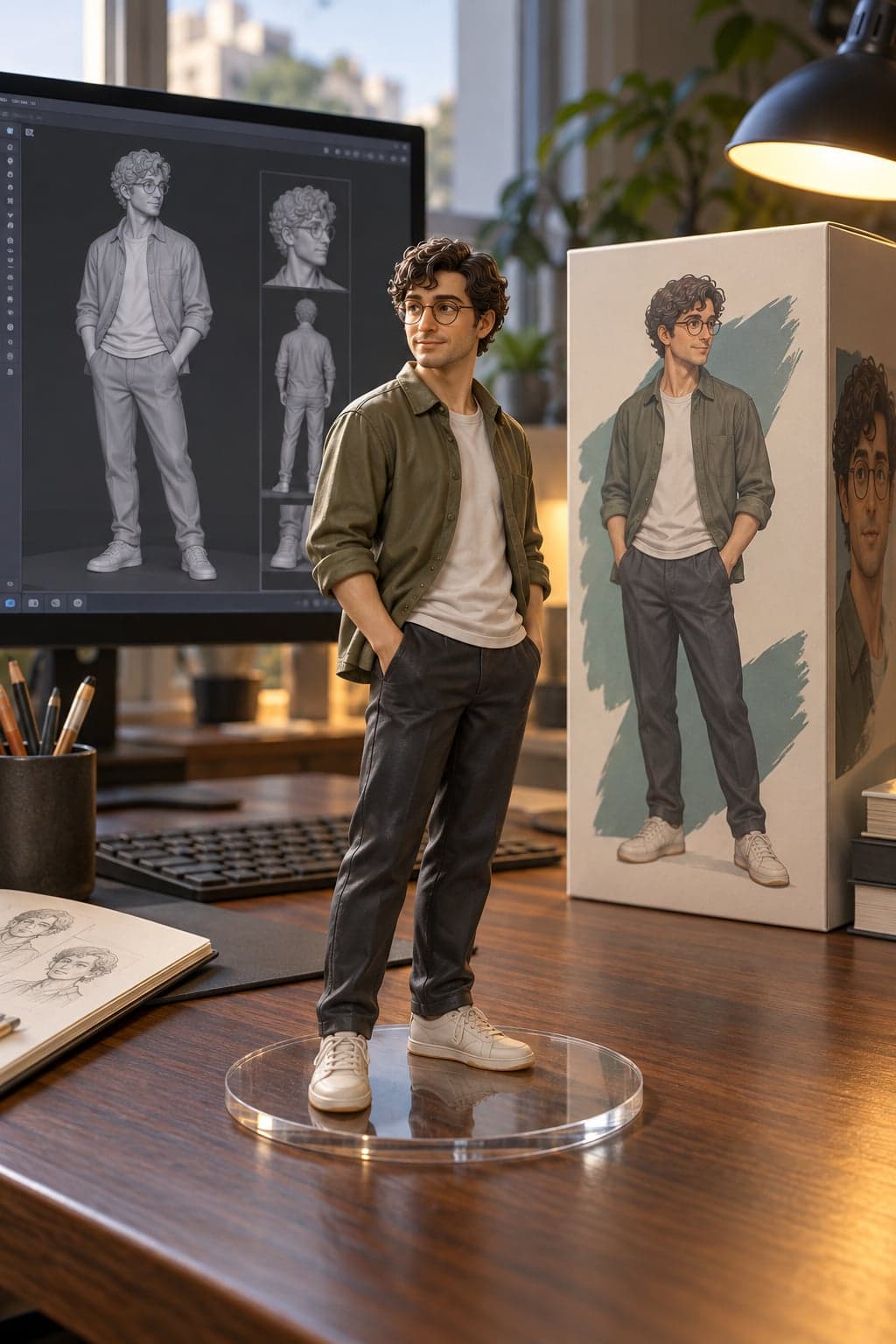
Turn a portrait into a collectible desk figurine with a clear base, matching packaging and a modeling screen. Upload your photo, then paste this prompt.
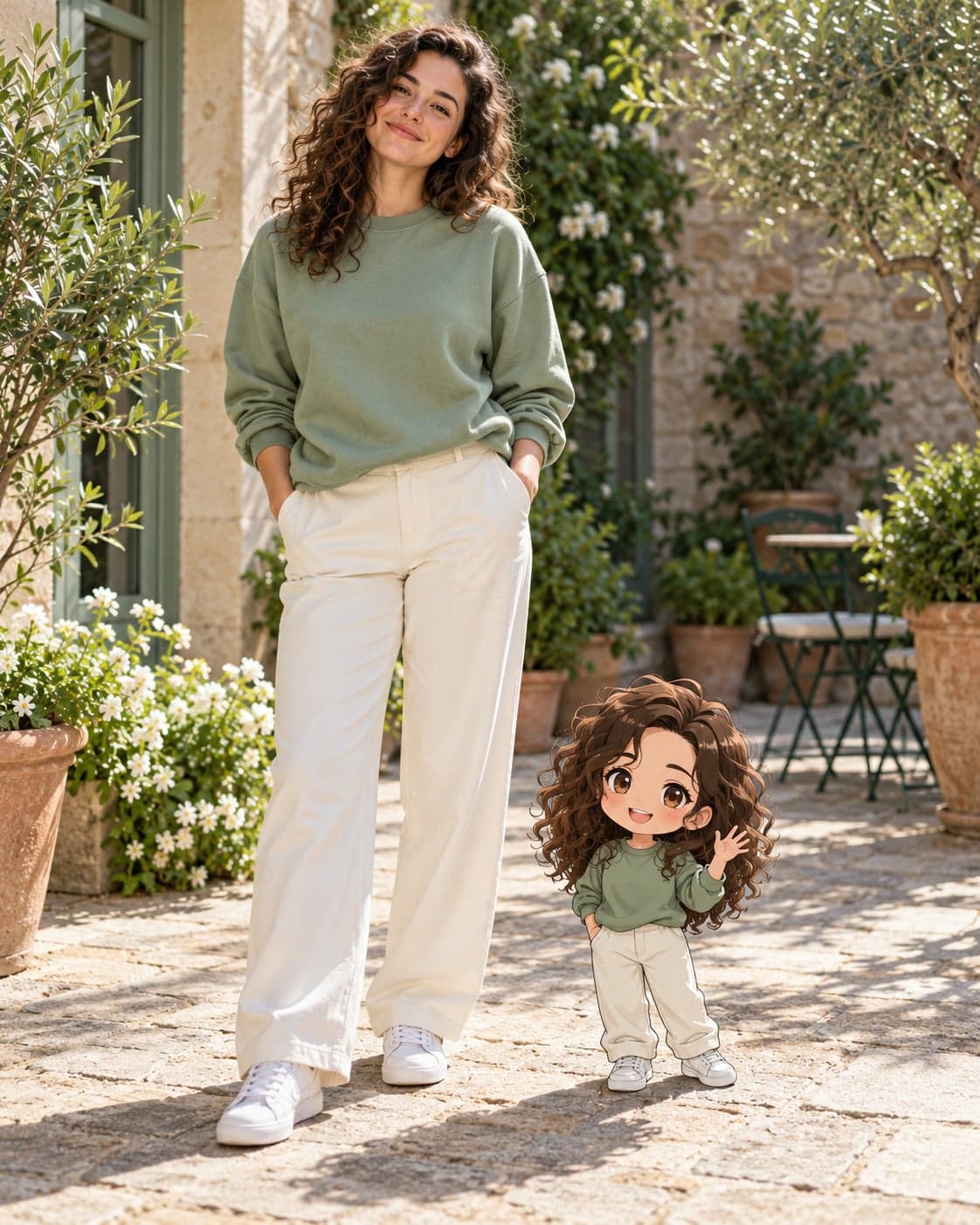
Add a tiny anime counterpart beside your real photographic self. Upload your photo, then paste this prompt.