Gemini
Photography
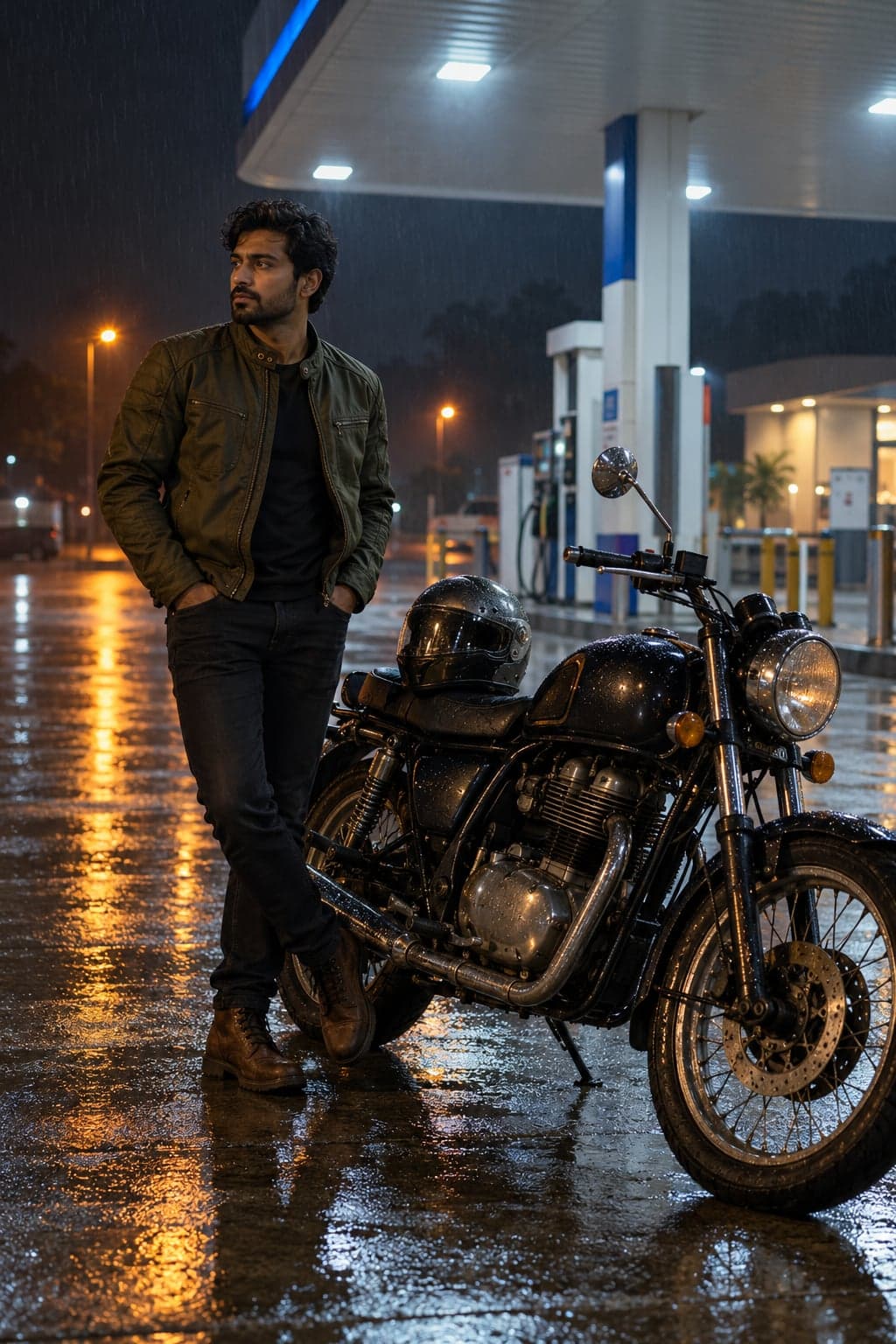
Gemini Petrol Pump Royal Enfield Photo Prompt
Create a cinematic midnight motorcycle portrait at a rain-soaked petrol station. Upload your photo, then paste this prompt.
Make a warm sideways eye portrait with both eyes stacked vertically and your natural iris colour preserved. Upload your photo, then paste this prompt.
Curated by the aiprompts.page team
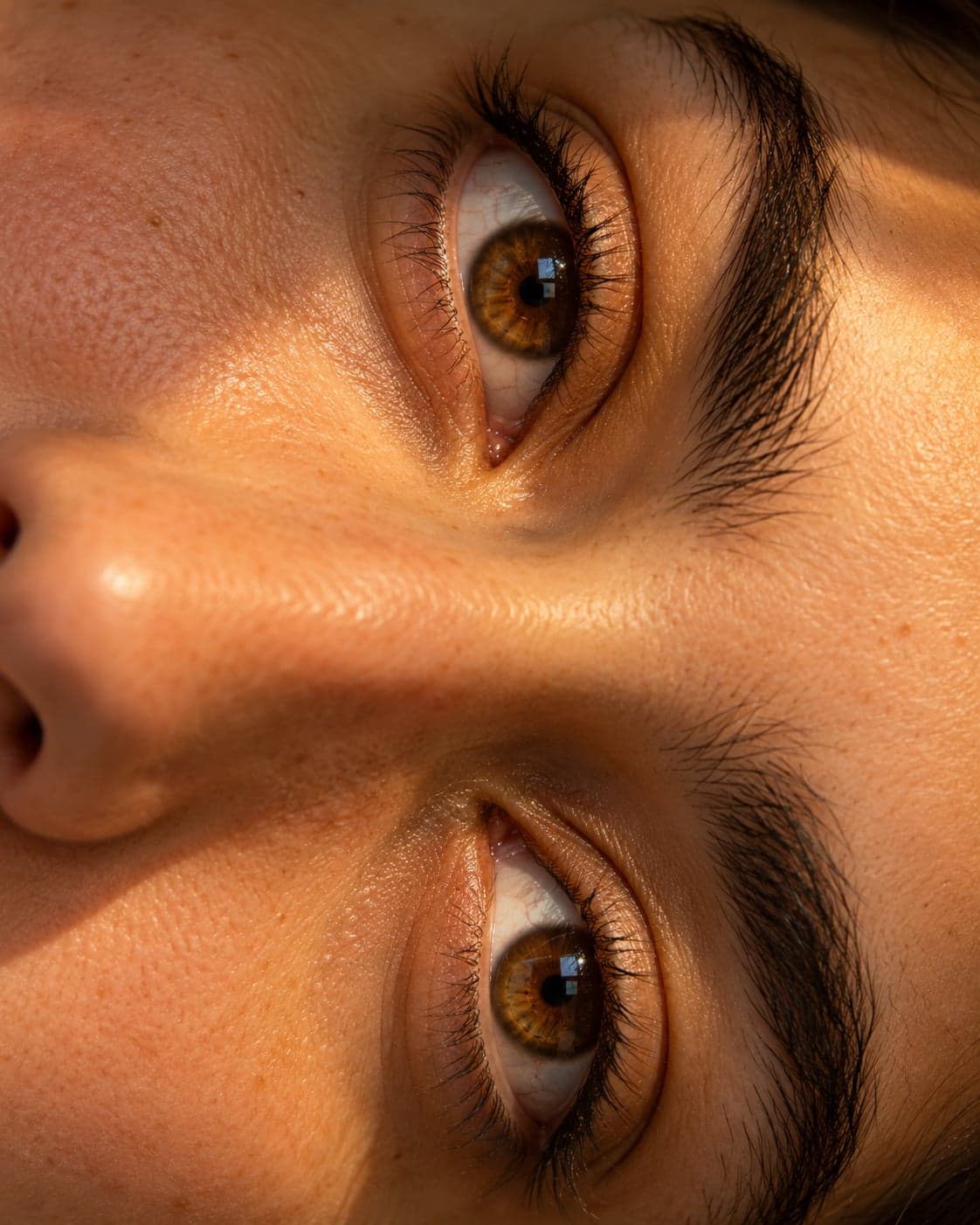
Transform the uploaded photo into a photorealistic extreme close-up of the same person's eyes. Preserve their actual iris colour, eye shape, eyelids, eyebrow shape, skin tone and facial identity exactly. Use both real eyes from the reference rather than duplicating or mirroring one eye. Rotate the entire portrait 90 degrees clockwise so the person's two eyes appear one above the other in a single continuous sideways face crop. This is one photograph, not a collage or split panel. Crop closely around both eyes, eyebrows, the bridge of the nose and a small amount of surrounding skin. Light the face with soft amber window light from one side, creating warm highlights, gentle shadows and small natural catchlights. Render detailed iris fibres, individual eyelashes, fine eyebrow hairs and realistic skin pores. Keep both eyes sharply focused with a softly fading background. Retain natural asymmetry and any visible distinguishing features. Do not recolour the irises, enlarge the eyes, reshape the face, add makeup or smooth away skin texture. No text, borders, logos or watermarks. Deliver a 4:5 portrait composition.
More in Photography
Create a cinematic midnight motorcycle portrait at a rain-soaked petrol station. Upload your photo, then paste this prompt.
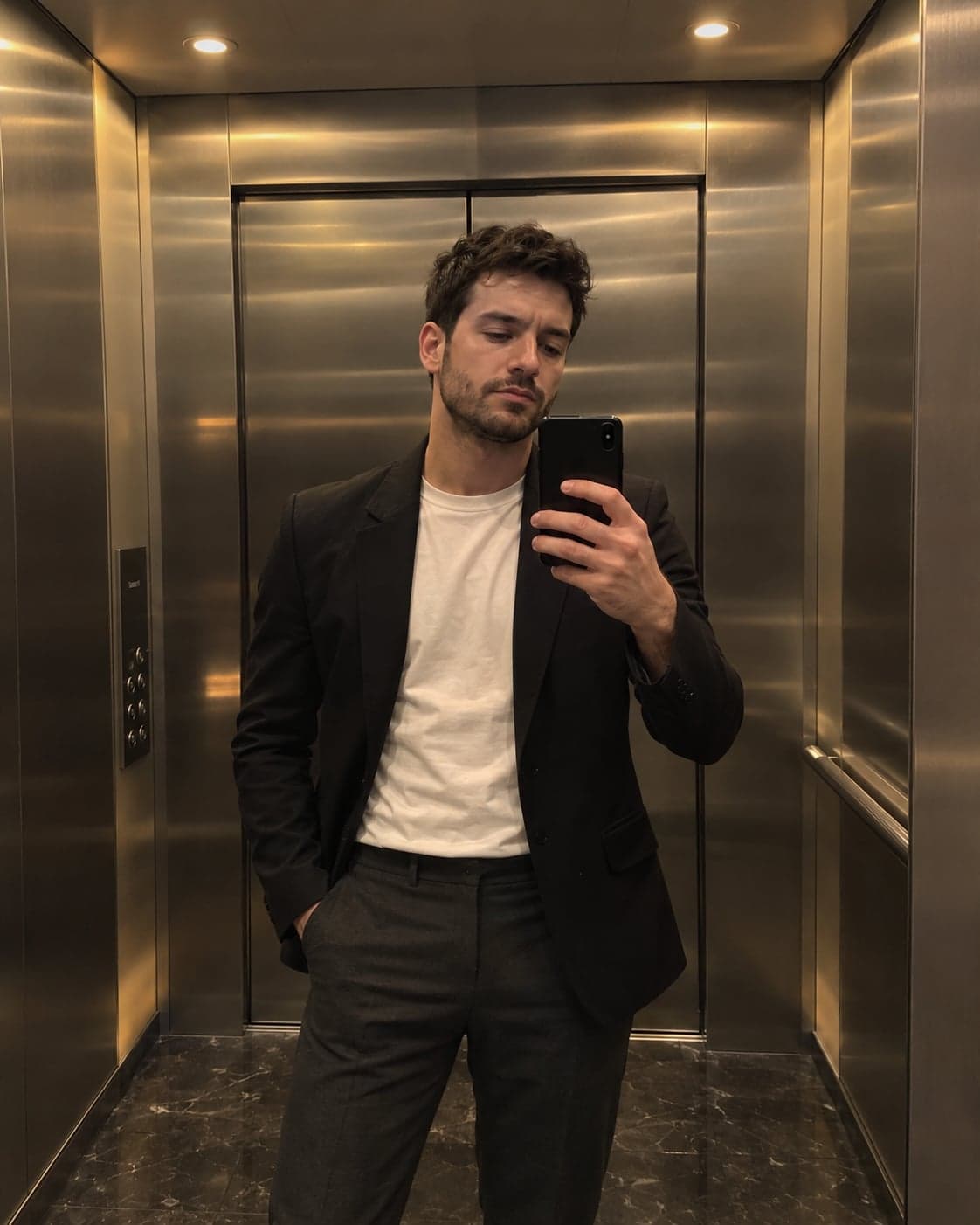
Create a realistic black-blazer mirror selfie in a luxury steel elevator. Upload your photo, then paste this prompt.
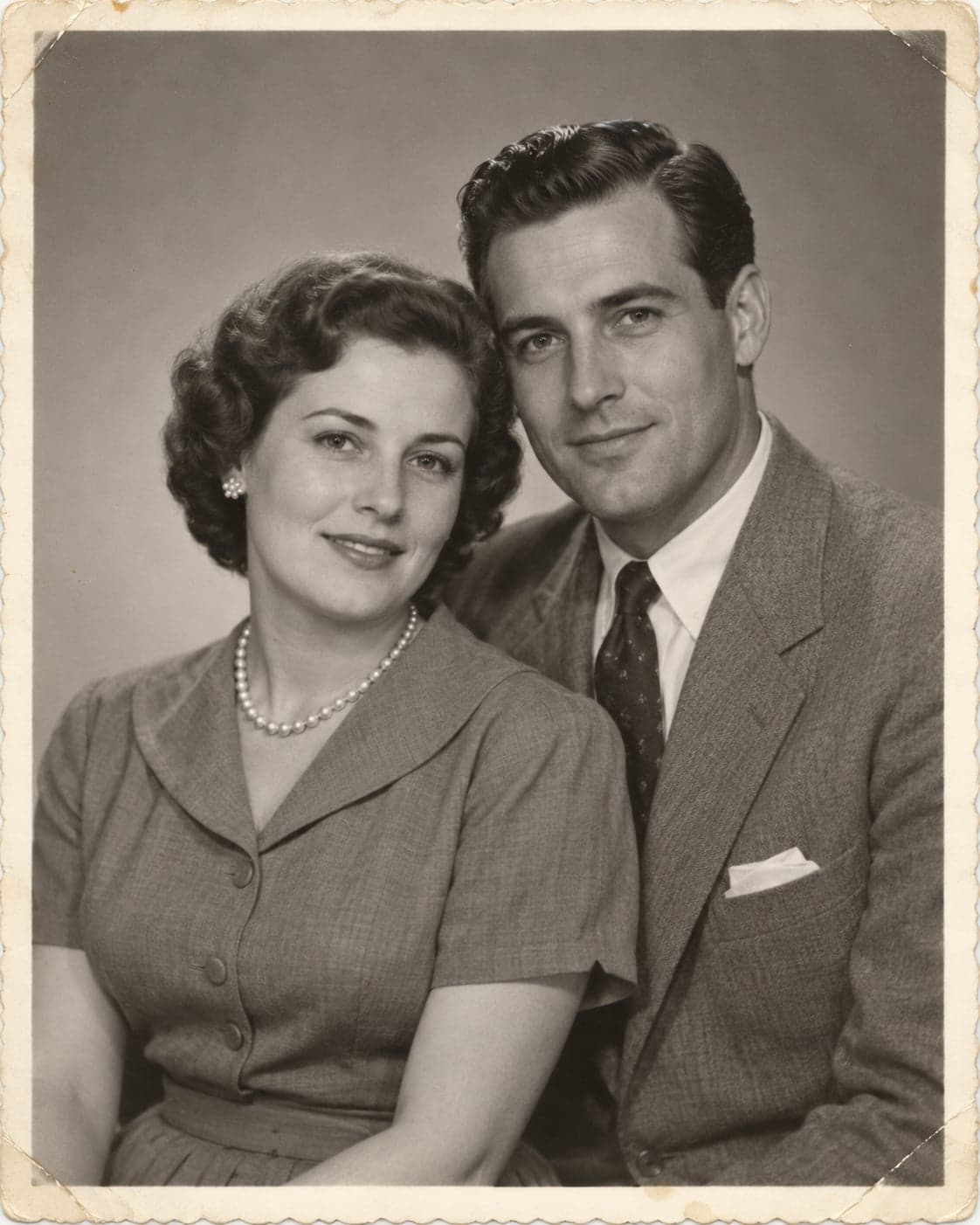
Repair scratches, dust and fading while preserving the original faces and photographic character. Upload your photo, then paste this prompt.

Create a polished professional headshot with natural lighting and a clean background. Upload your photo, then paste this prompt.