Seedance
Video
AI Hair Dye Filter Video Prompt
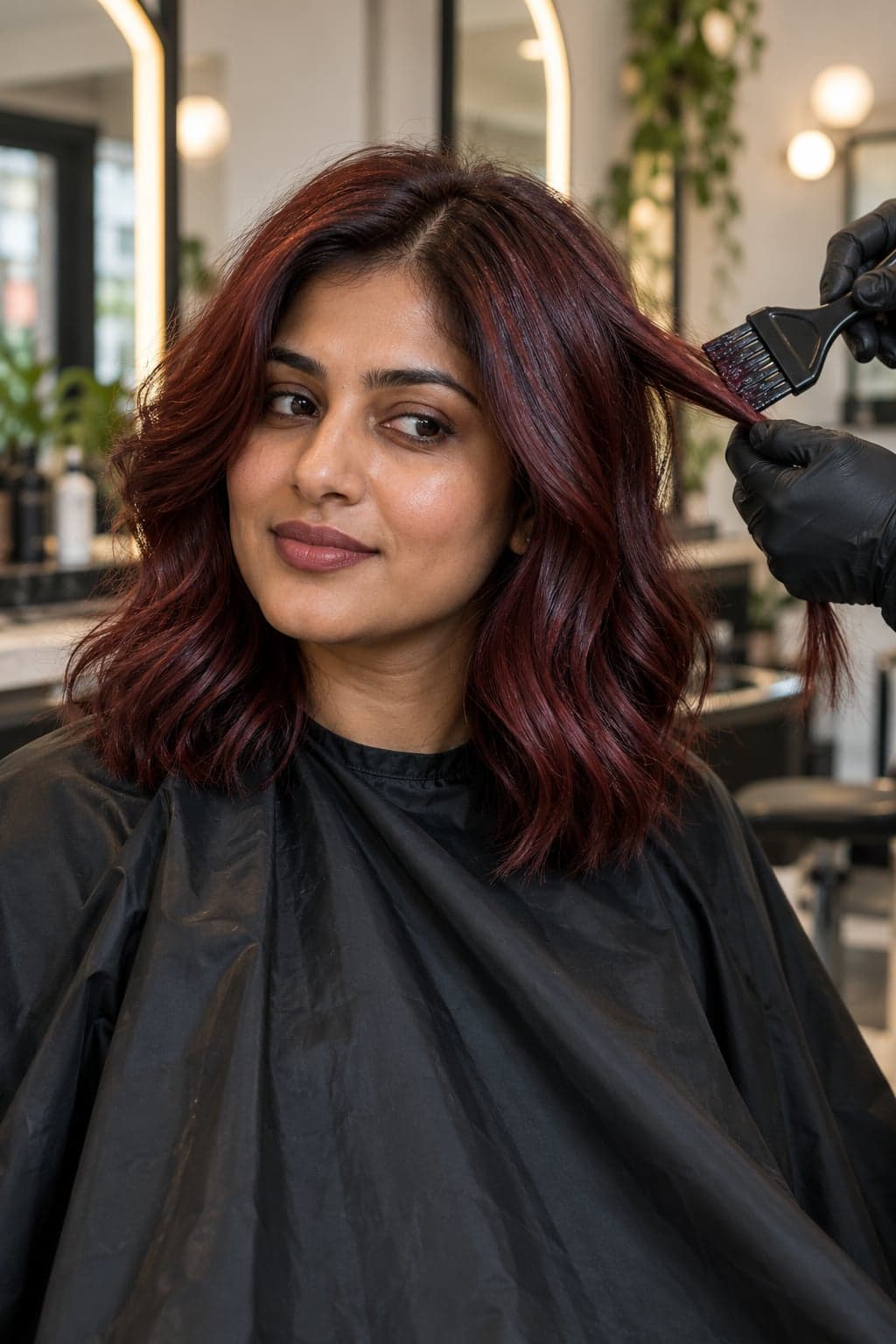
Turn one portrait into a salon video with a burgundy hair-dye application and reveal. Upload your photo, then paste this prompt.
Turn your pet into a smiling, slowly clapping reaction video while keeping its markings recognisable. Upload your photo, then paste this prompt.
Curated by the aiprompts.page team
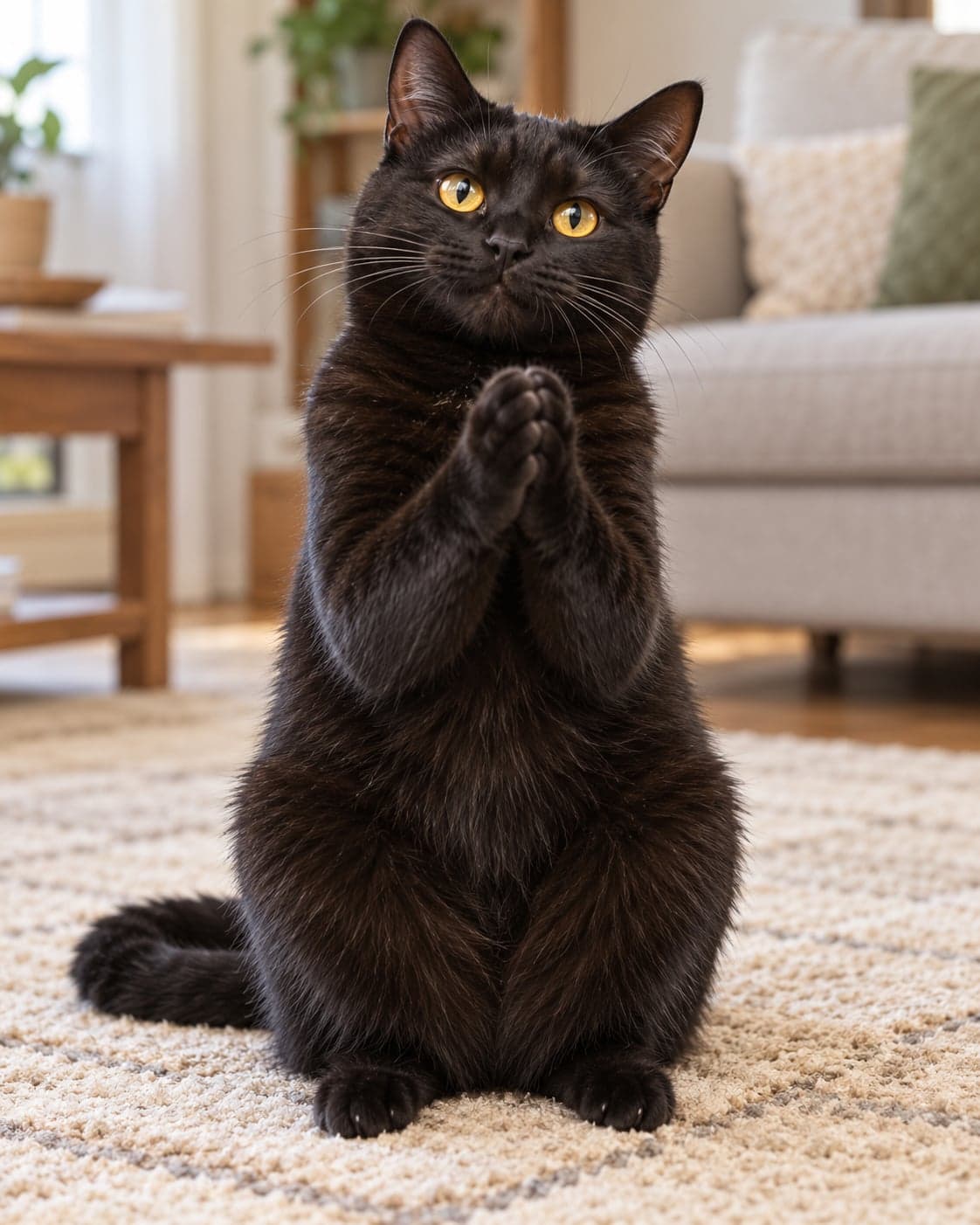
Create a six-second portrait reaction video using the animal in the uploaded photo as the identity reference. Preserve its species, coat colours, exact markings, eye colour, ears and facial proportions. Show the pet sitting upright on a plain beige rug, centred against a softly blurred living-room background. Its hind paws stay planted while its front paws rise to chest height and perform three slow, gentle claps. Give it a small, contented grin without human teeth, keeping its face recognisable. Add a subtle head bob with each clap and a relaxed tail movement. Use soft daylight, realistic fur and a locked camera showing the entire seated animal. Make the anthropomorphic action smooth and playful, with exactly two front paws and two hind paws throughout. End with the front paws resting together. No scene cuts, extra animals, captions, logos or watermarks. Use a 4:5 composition.
More in Video
Turn one portrait into a salon video with a burgundy hair-dye application and reveal. Upload your photo, then paste this prompt.
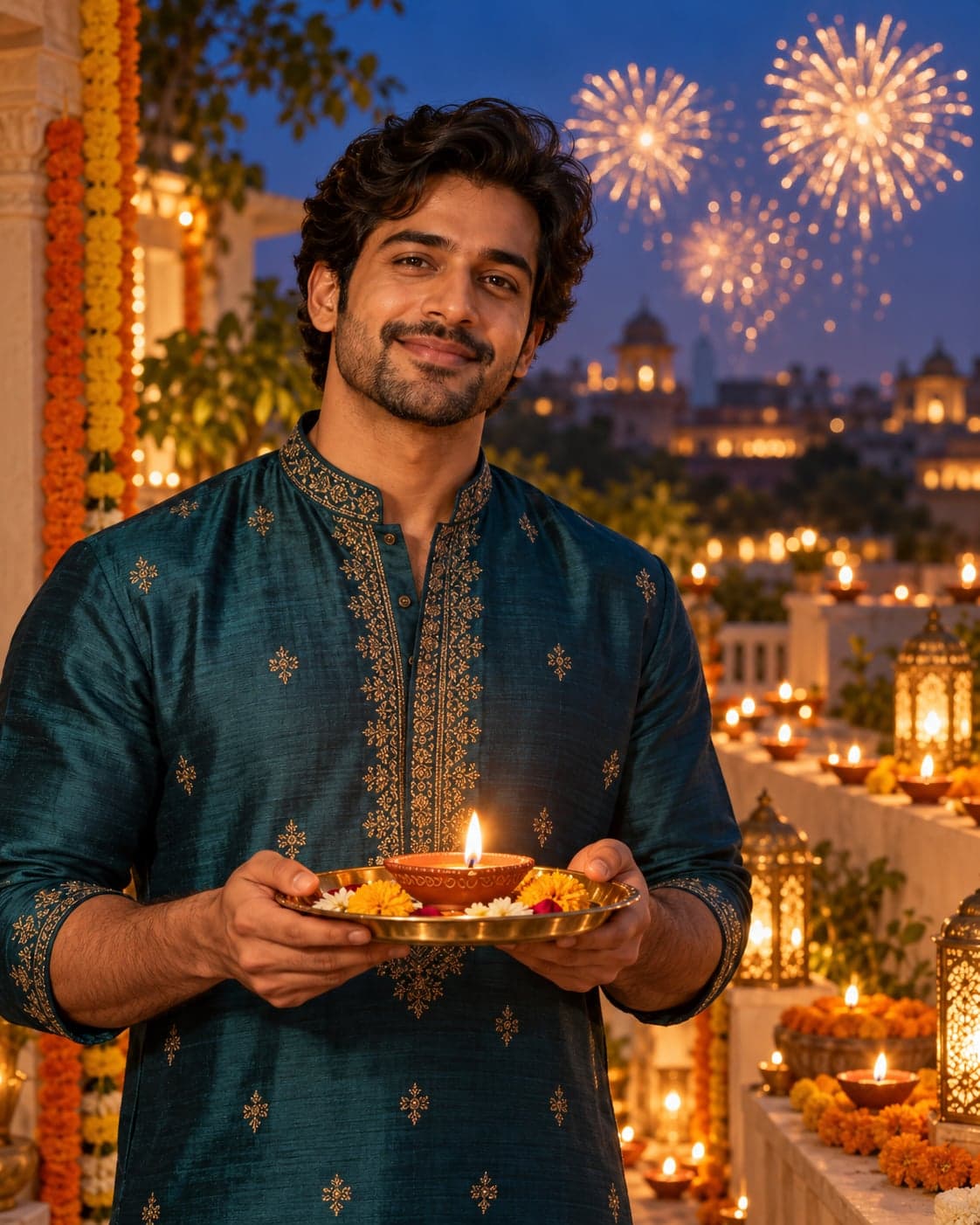
Create a cinematic Diwali greeting with a glowing diya, distant fireworks and a gentle smile. Upload your photo, then paste this prompt.
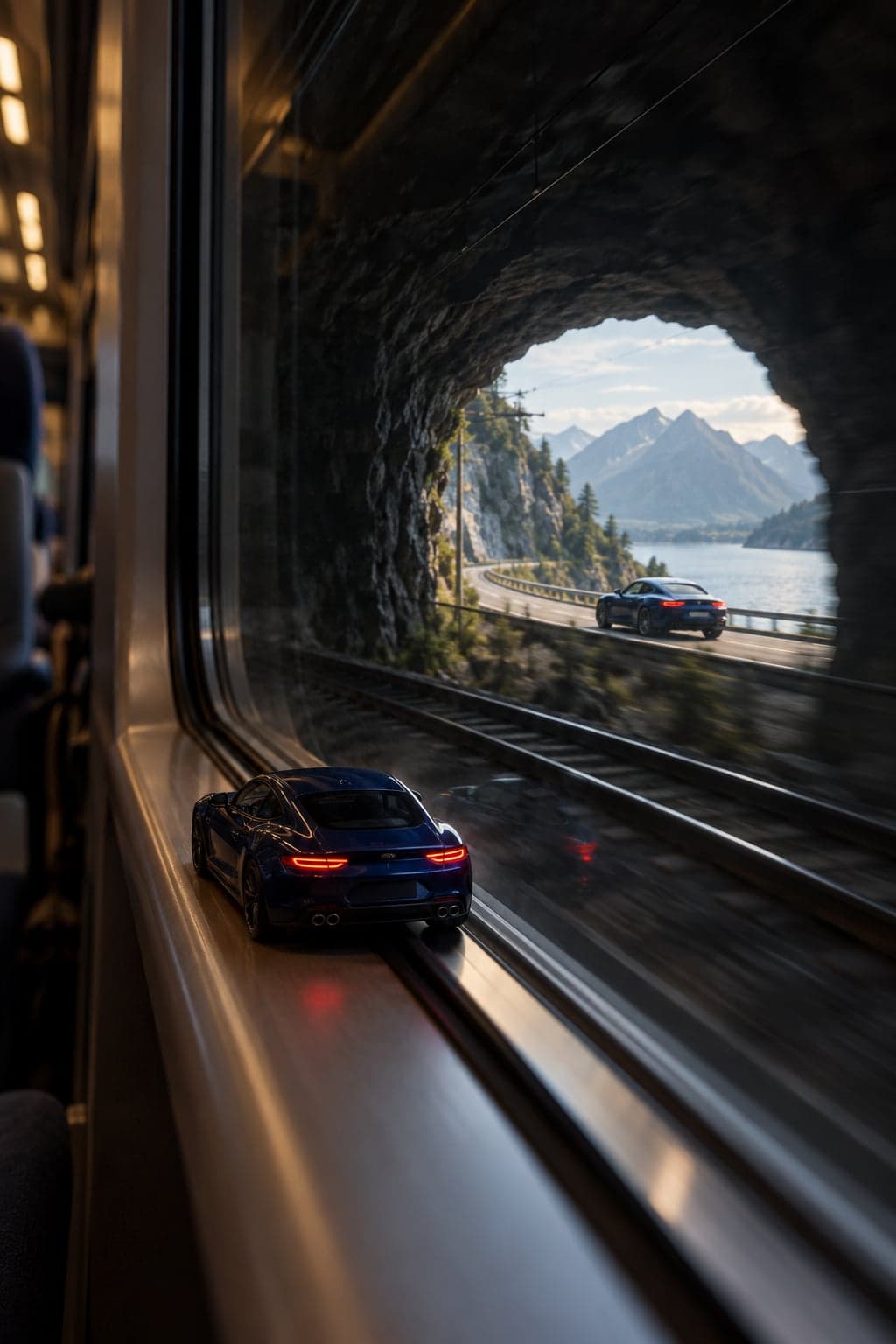
Turn your car into a miniature that becomes full-size during a cinematic train-tunnel transition. Upload your photo, then paste this prompt.
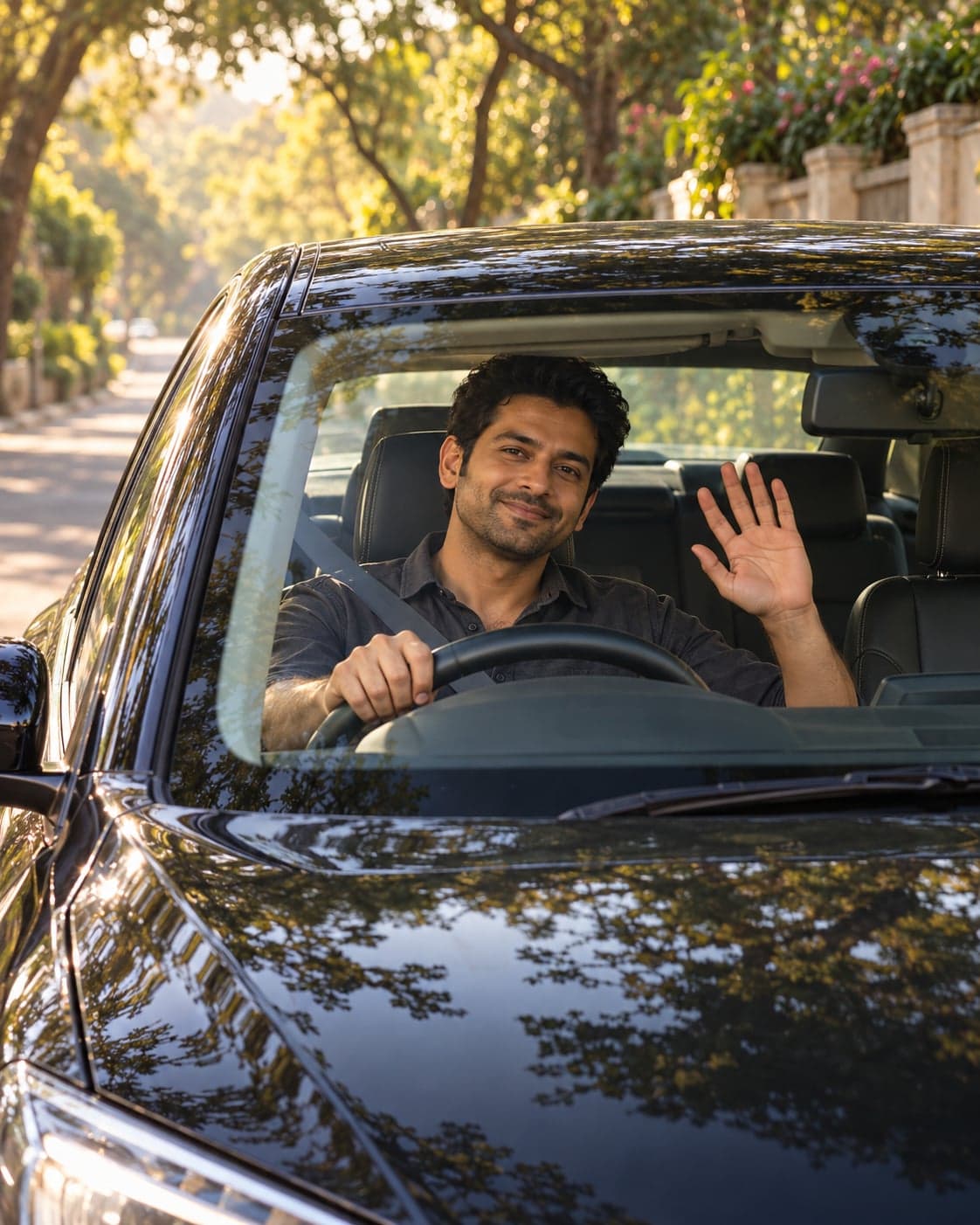
Create a windshield-view driving Reel in Google Flow; add the song through your posting app’s audio library. Upload your photo, then paste this prompt.