Gemini
Photography
Gemini Petrol Pump Royal Enfield Photo Prompt
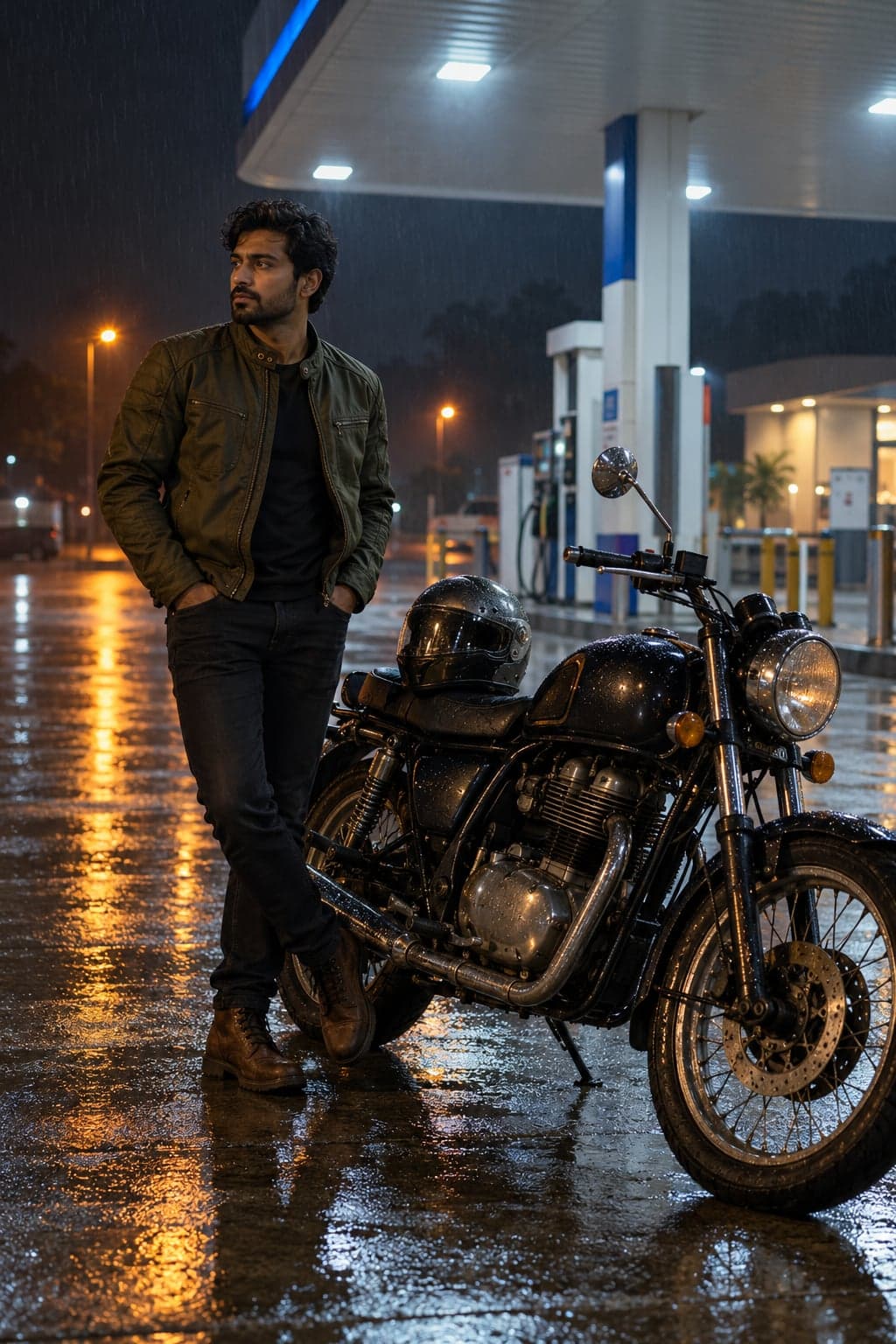
Create a cinematic midnight motorcycle portrait at a rain-soaked petrol station. Upload your photo, then paste this prompt.
Turn a sibling photo into a natural Bhai Dooj tilak ceremony portrait with a decorated thali. Upload your photo, then paste this prompt.
Curated by the aiprompts.page team
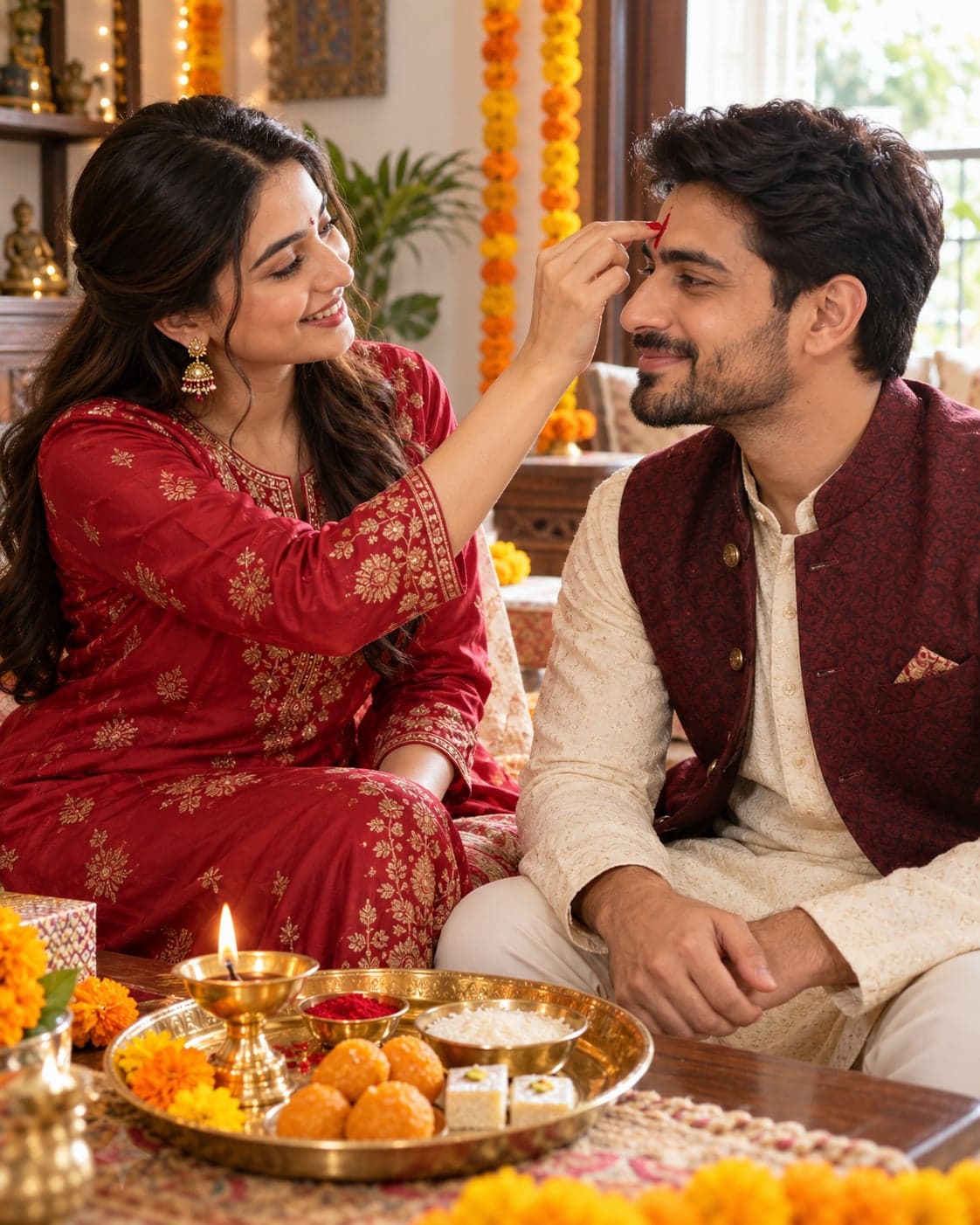
Use the uploaded photo as the identity reference for both siblings and create a photorealistic Bhai Dooj ceremony portrait. Keep both faces, identities, ages, skin tones and body proportions unchanged. Show the sister gently applying a small red tilak to her brother’s forehead while he sits beside her with a relaxed smile. Keep both faces clearly visible in a natural three-quarter view. Dress the sister in a deep red silk kurta with subtle gold embroidery and the brother in an ivory kurta with a maroon waistcoat. Place a decorated brass thali nearby containing a small diya, red kumkum, rice grains and a few traditional sweets. Set the scene in a welcoming Indian home with soft marigold decorations and daylight entering from a nearby window. Use warm, realistic colors, detailed fabric texture and natural skin without smoothing or reshaping faces. Keep hands anatomically correct and the gesture gentle and believable. Include only the two siblings from the uploaded photo. Frame them together in a vertical 4:5 composition with the thali visible. No text, logos or watermarks.
More in Photography
Create a cinematic midnight motorcycle portrait at a rain-soaked petrol station. Upload your photo, then paste this prompt.
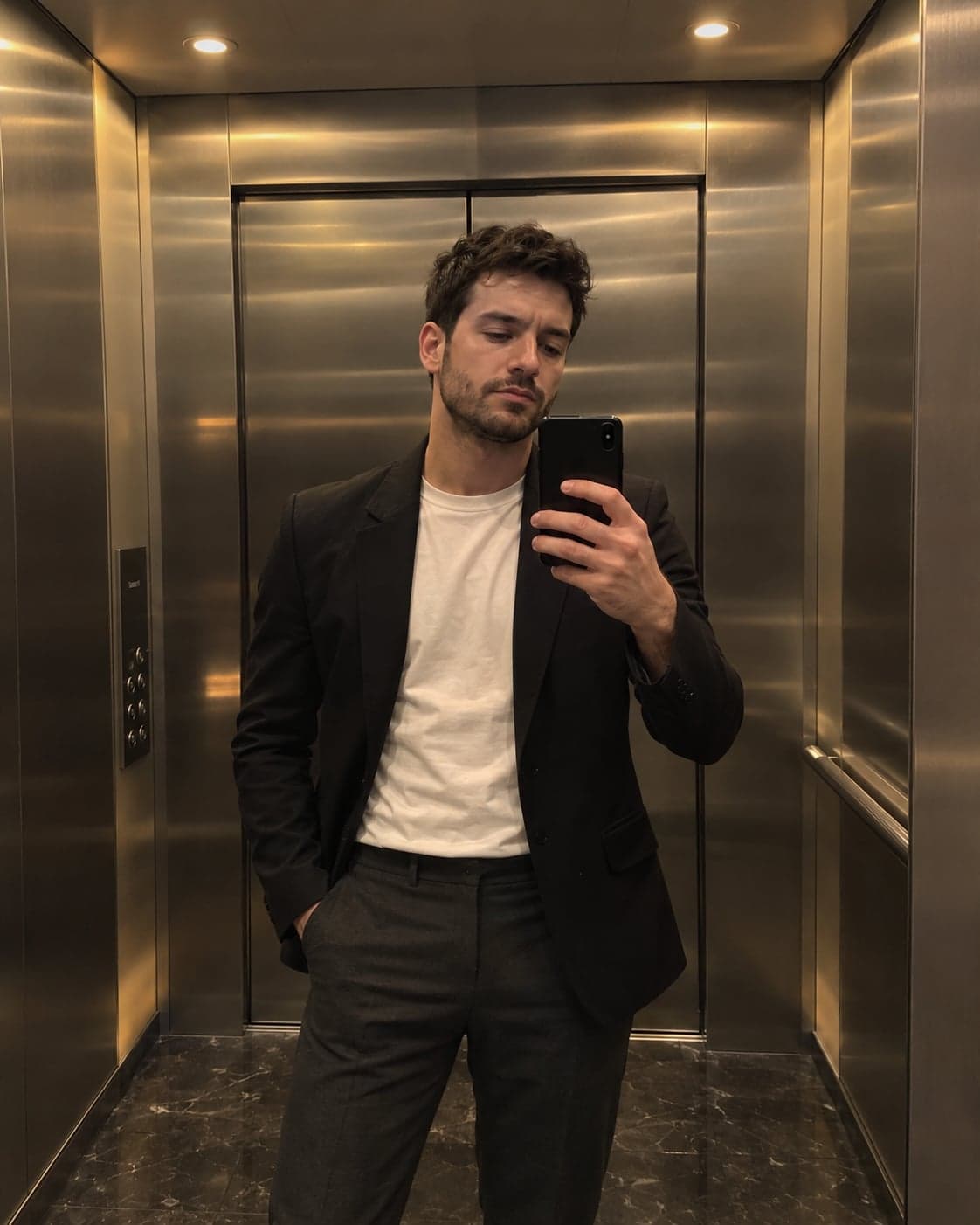
Create a realistic black-blazer mirror selfie in a luxury steel elevator. Upload your photo, then paste this prompt.
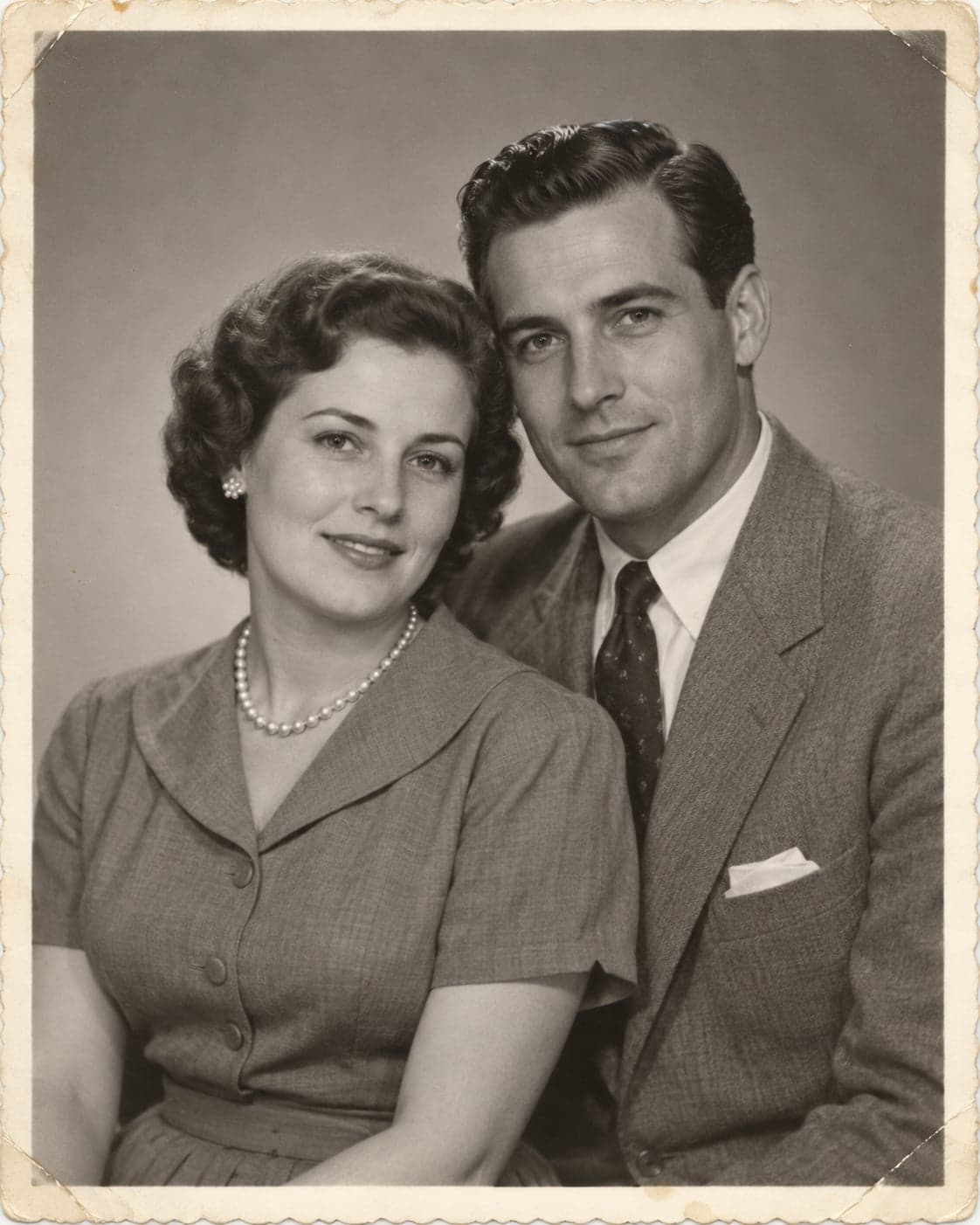
Repair scratches, dust and fading while preserving the original faces and photographic character. Upload your photo, then paste this prompt.
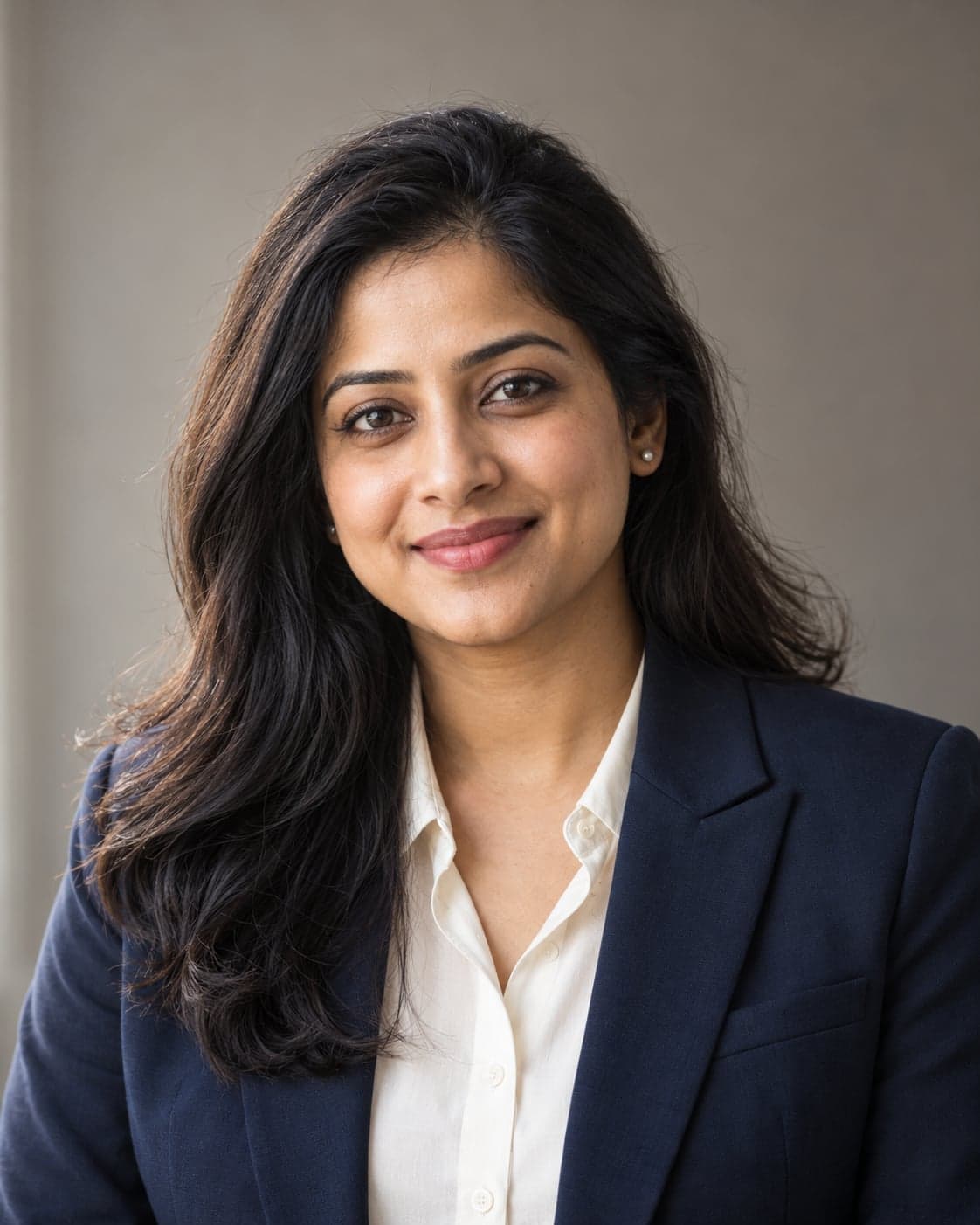
Create a polished professional headshot with natural lighting and a clean background. Upload your photo, then paste this prompt.